
Enterprise
Every store you run, under one company.
Everything in Pro, plus your own branding, company-wide roles, single sign-on, timeclock kiosks with company IDs, and payroll and reports across all your stores. Shown here with Example Coffee Co., a demo company with four cafés.
- Unlimited stores
- Your logo and colors
- SAML single sign-on and SCIM
- Payroll from the timeclock
Multiple stores
Every store, one company
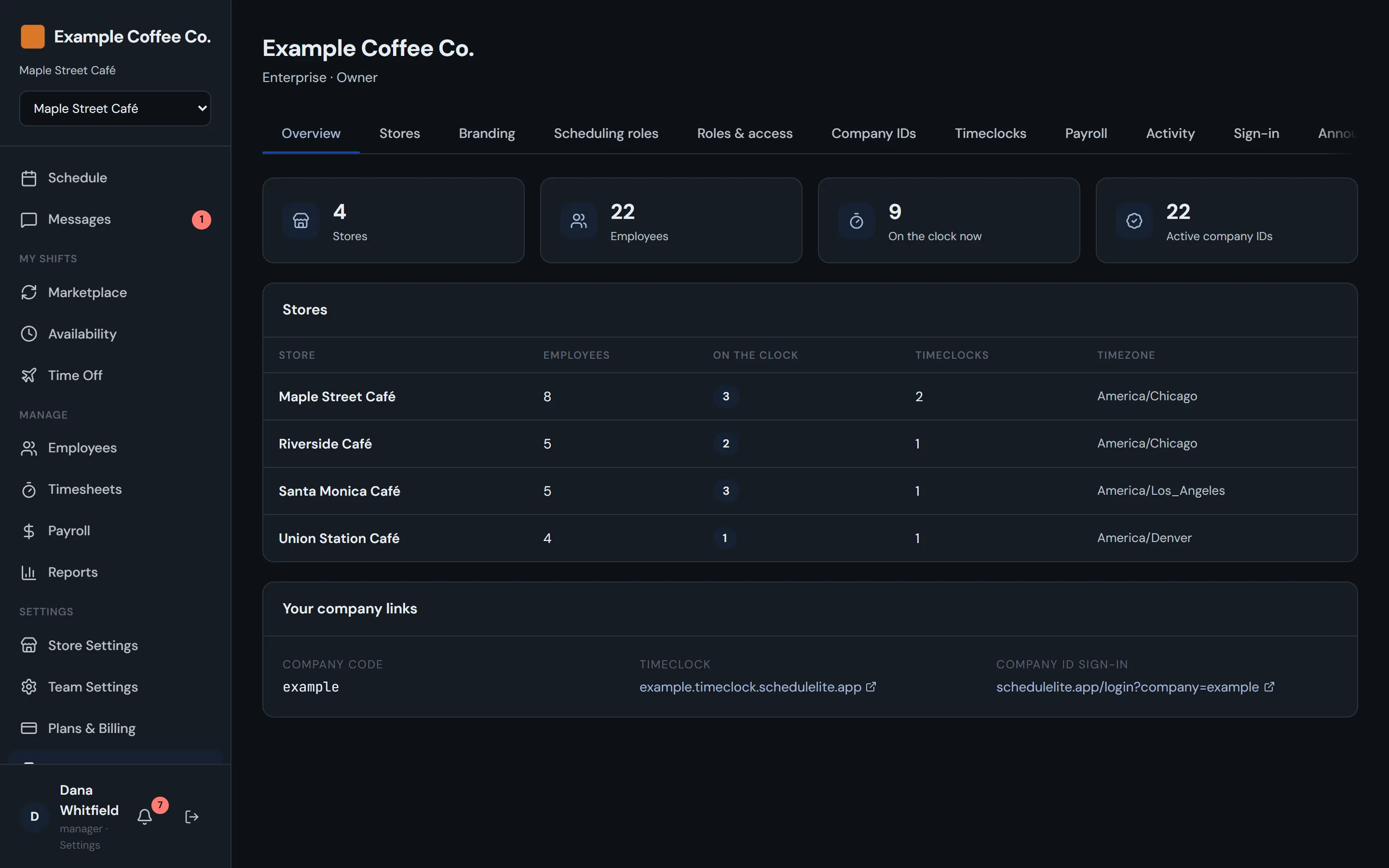
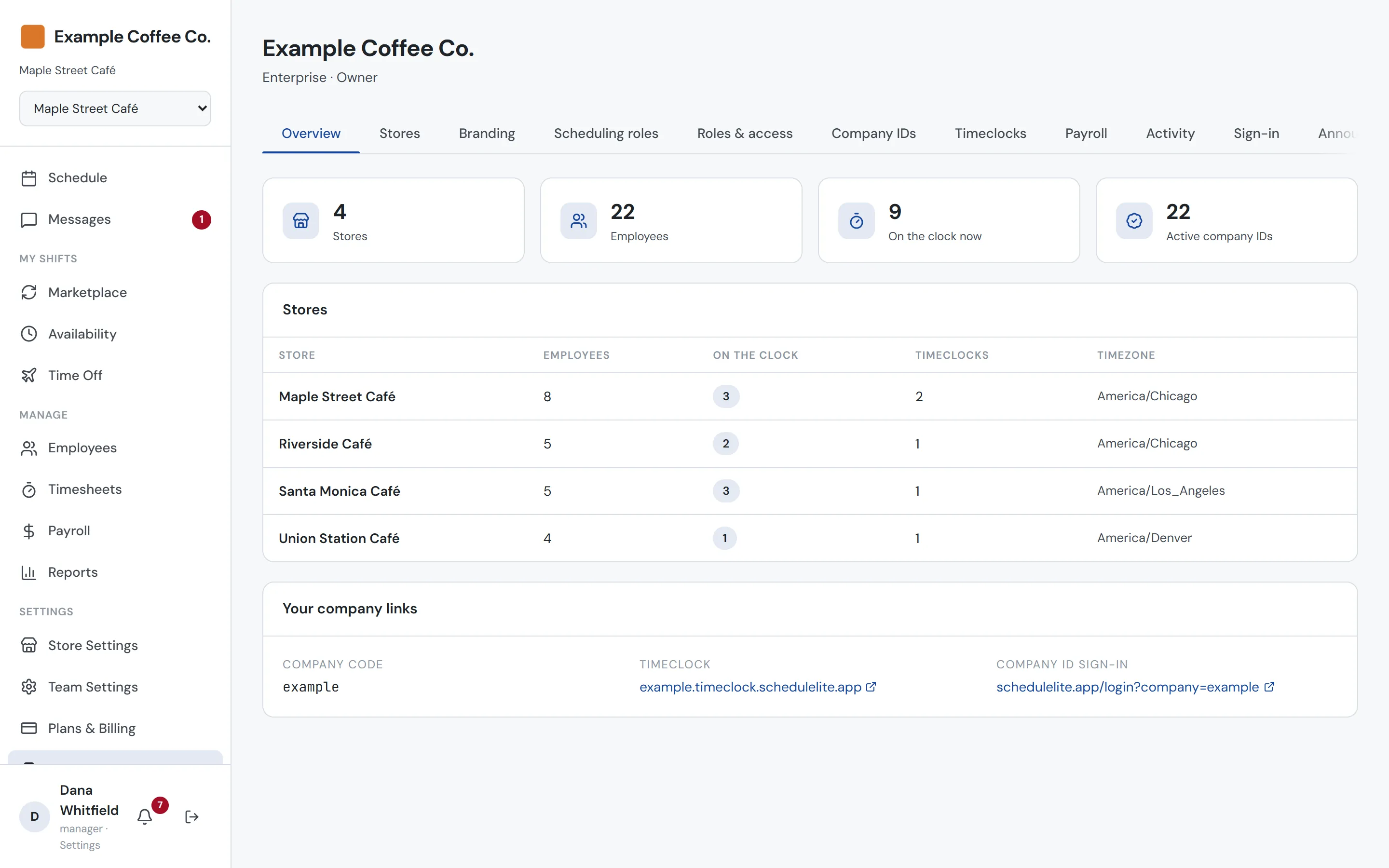
Add stores from the Enterprise dashboard and copy job roles and shift templates from one you already run. Each store keeps its own roster, schedule, hours and timezone, and the overview shows headcount and who’s on the clock in each one.
- Company-wide overview of stores, staff and timeclocks
- New stores copy roles and templates from an existing one
- A store switcher in the sidebar for people who work across stores
- Scheduling roles shared by every store
Branding
Your logo and colors, not ours
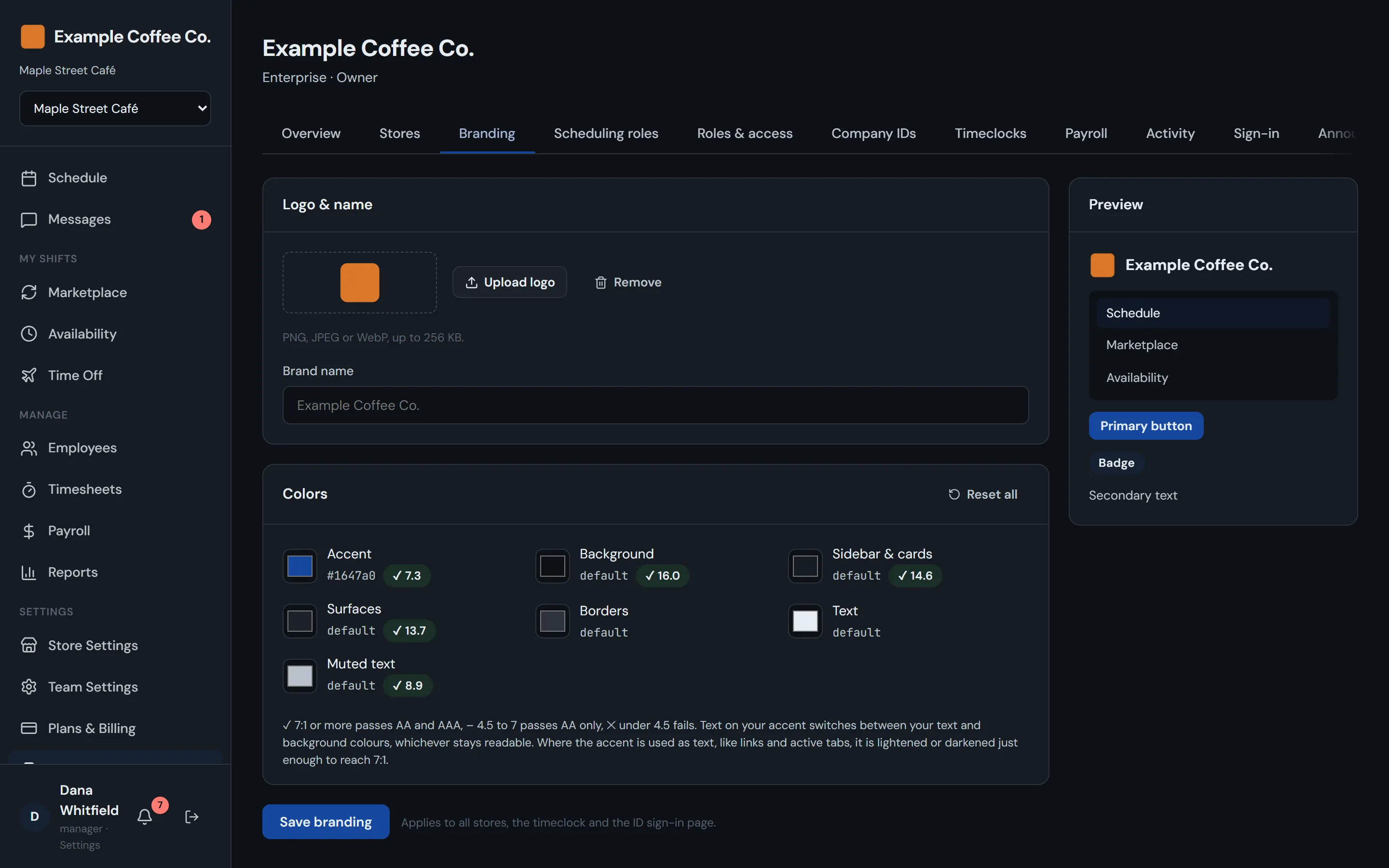
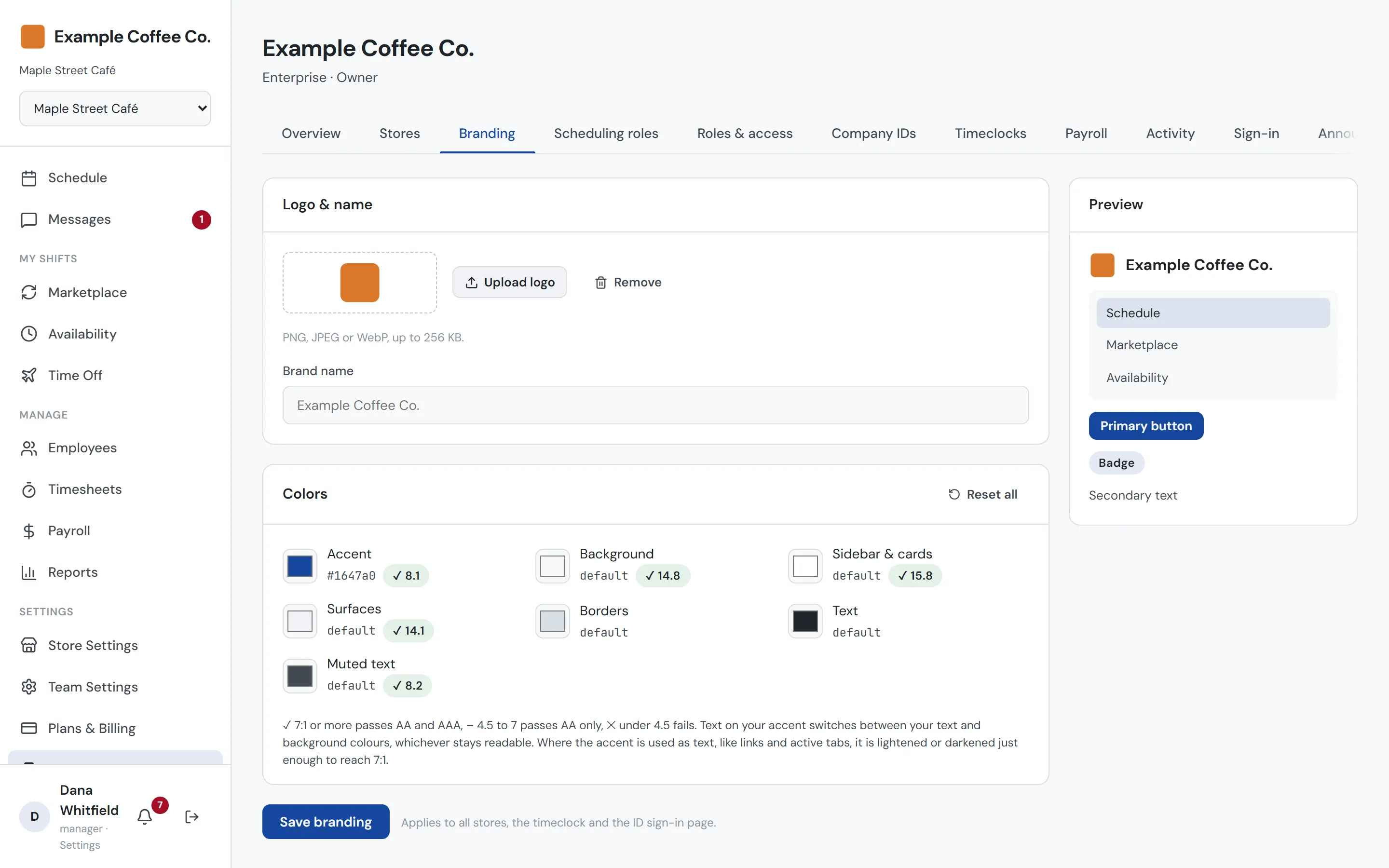
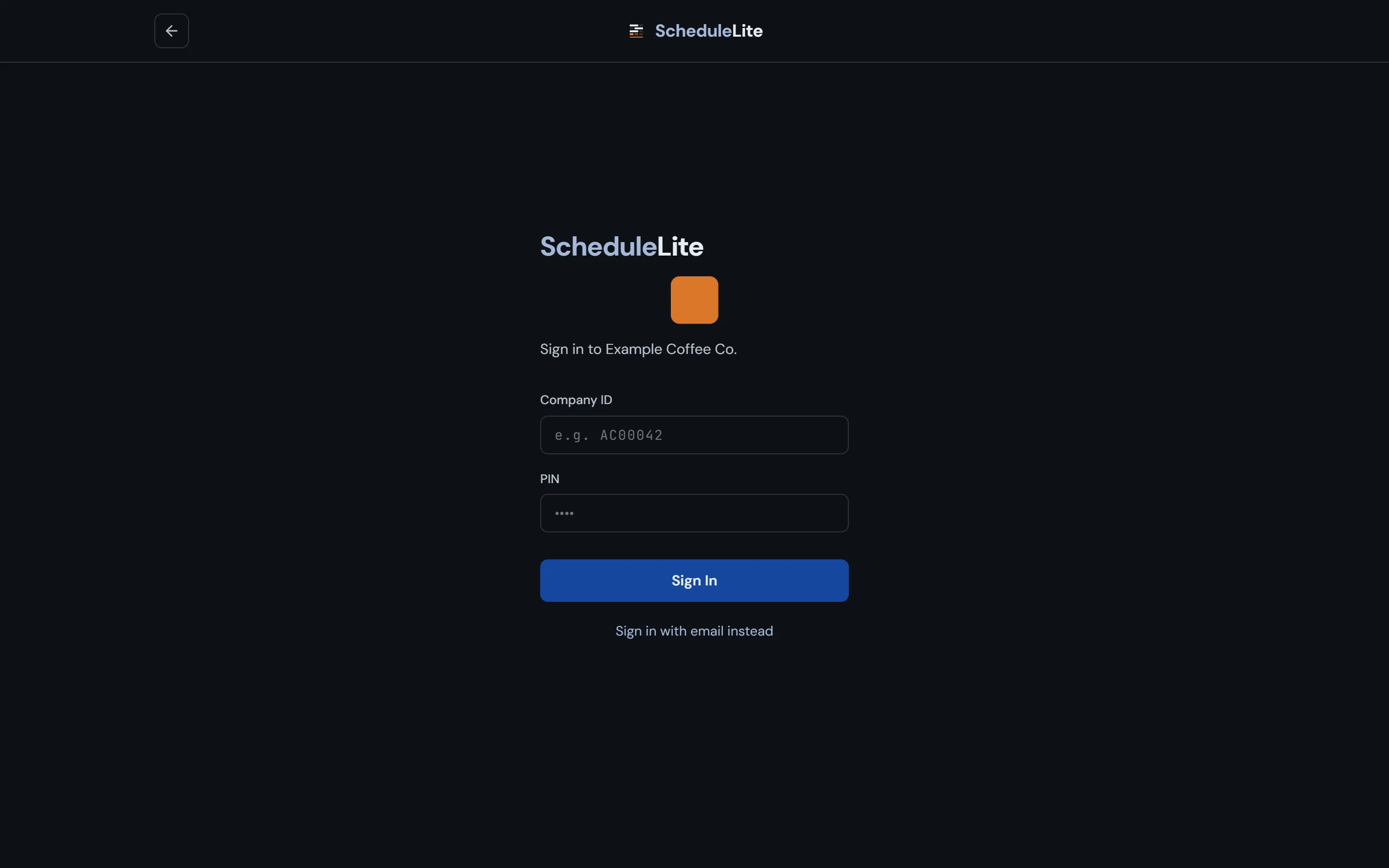
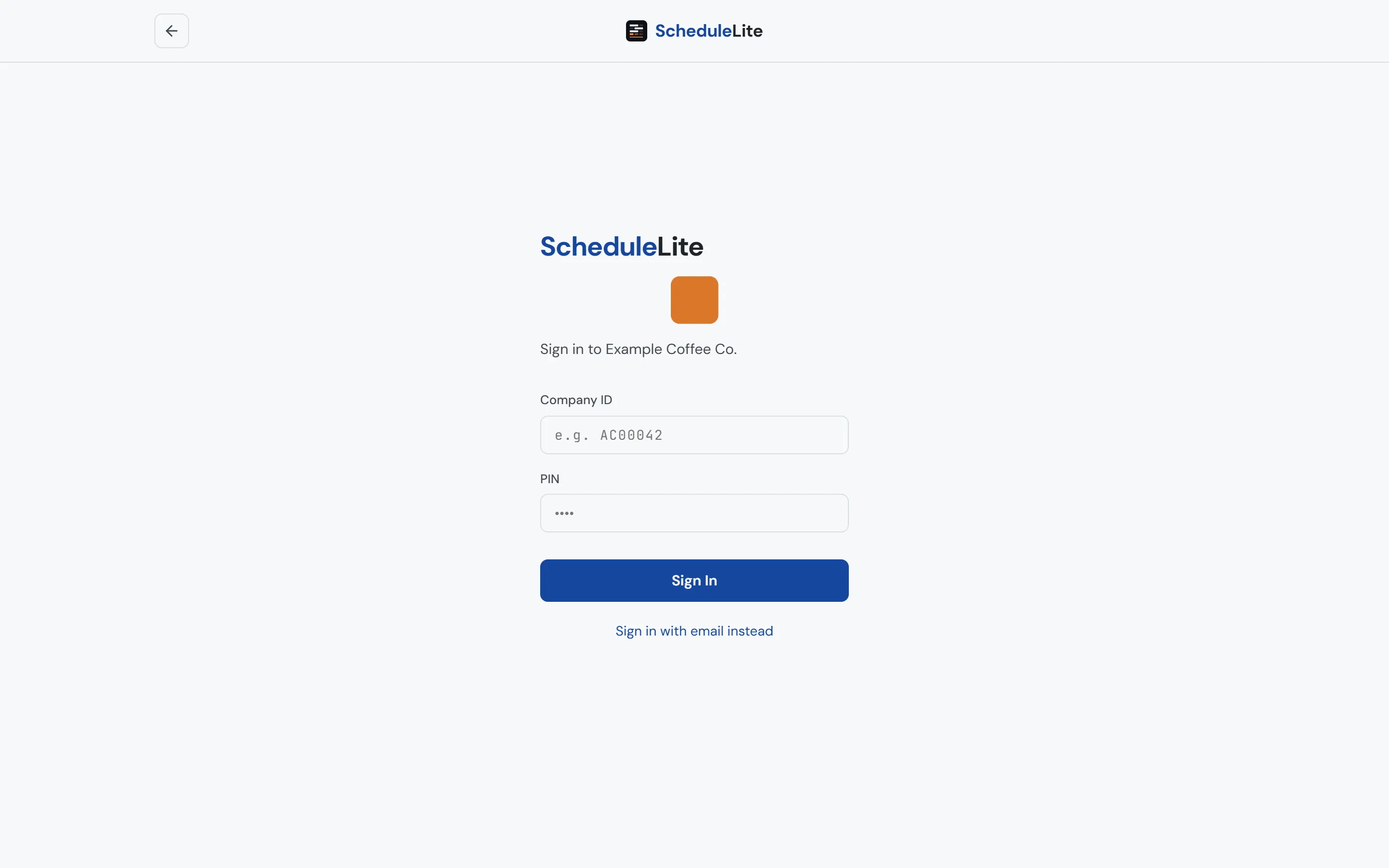
Upload your logo and pick your colors, with a live preview while you edit. Your branding shows up for everyone in your stores, on the timeclock kiosks and on your company’s sign-in page.
- Logo and brand name in the sidebar
- Accent, background, surface and text colors
- Applied to the app, the timeclock and the sign-in page
Company-wide roles
District managers see their district. Payroll sees payroll.
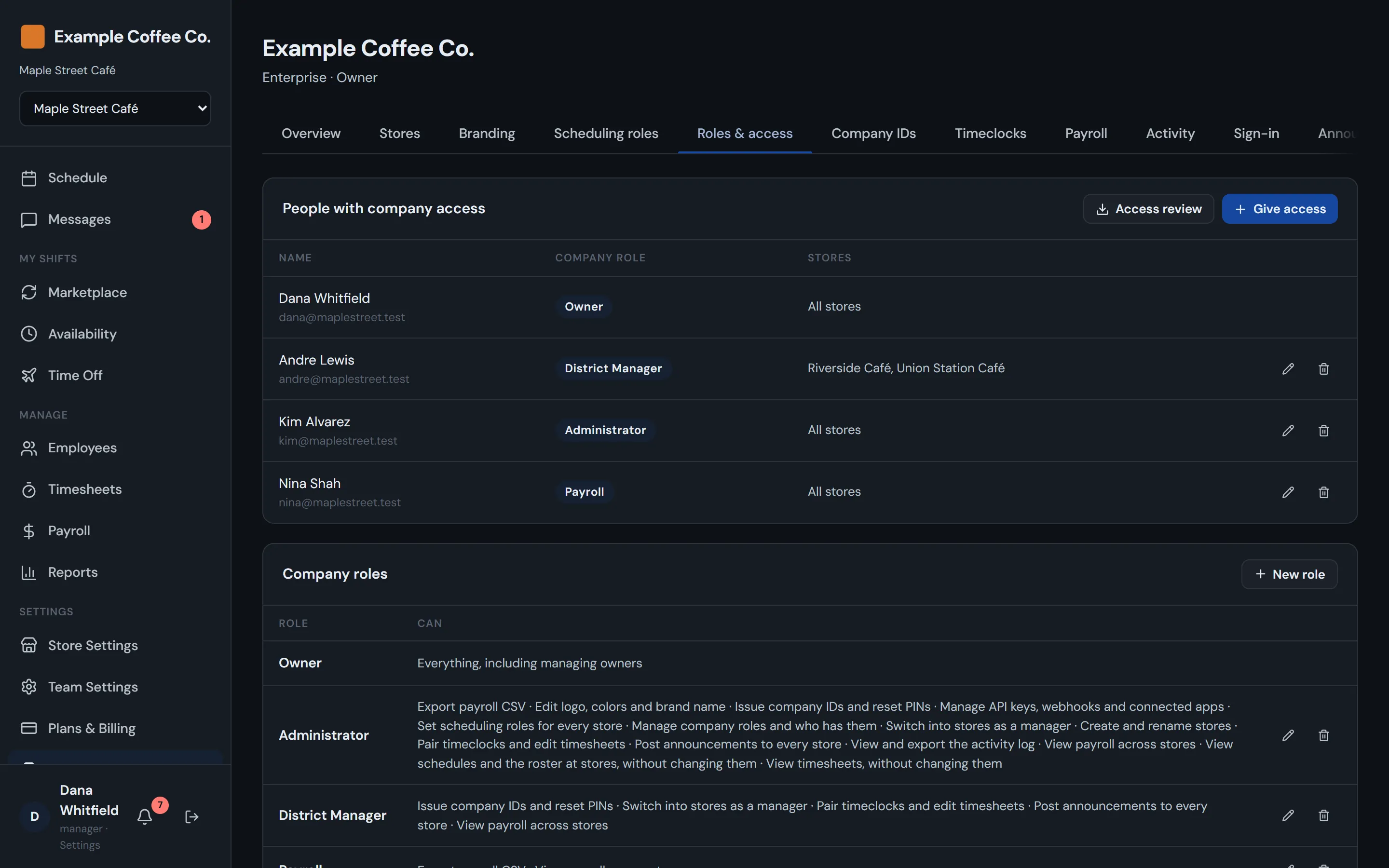
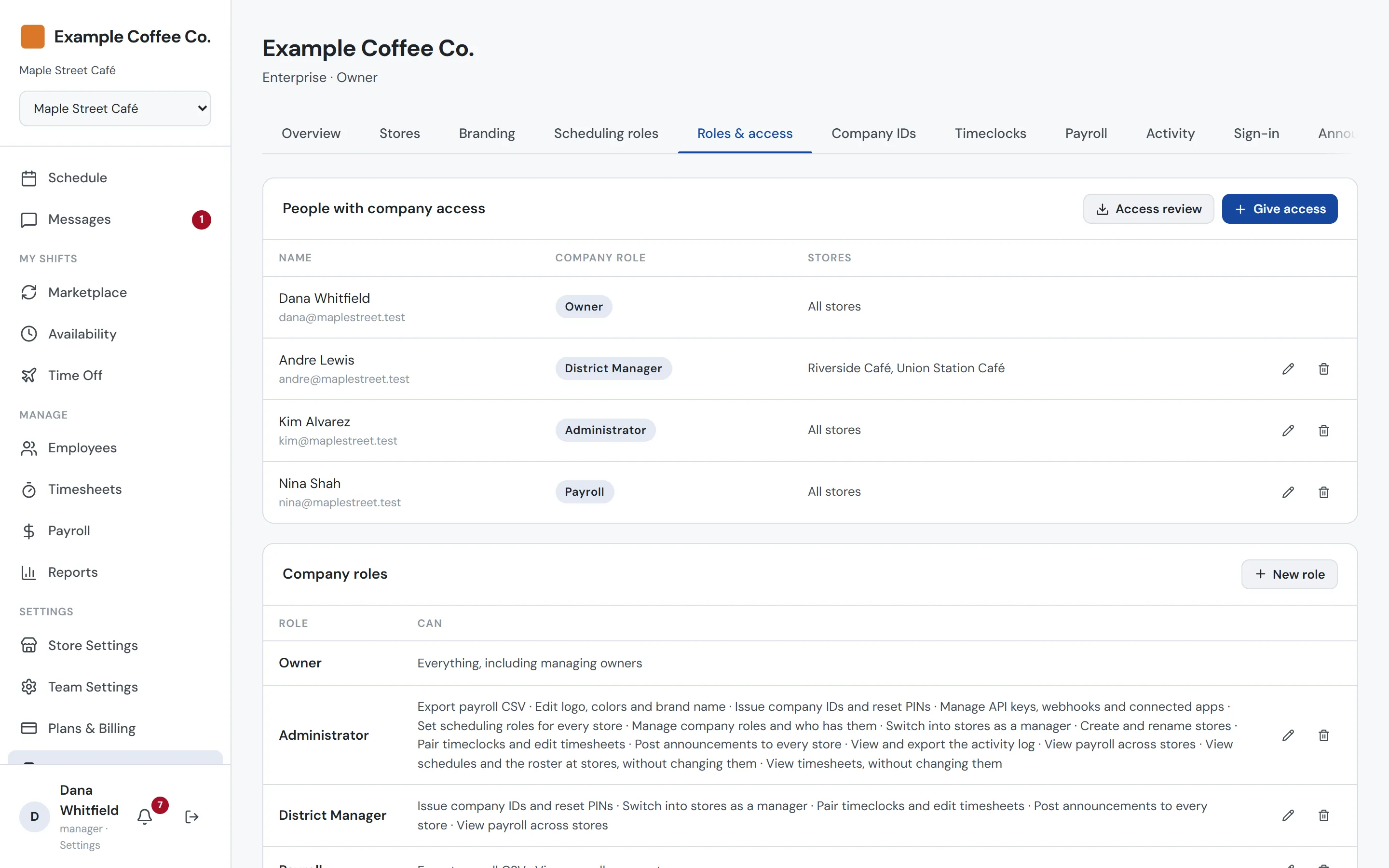
Company roles are named sets of permissions, and you can limit each person to some of your stores or give them an extra role at just one. Owner, Administrator, District Manager, Payroll and a view-only Viewer come built in, and you can add your own. Nobody can give out a permission they don’t have.
- Permissions for stores, schedules, timesheets, payroll, IDs and more
- View-only access to schedules and timesheets
- Every store, chosen stores, or extra roles at one store
- Nobody can grant a permission they don’t hold
Single sign-on
Sign in with the account your company already manages
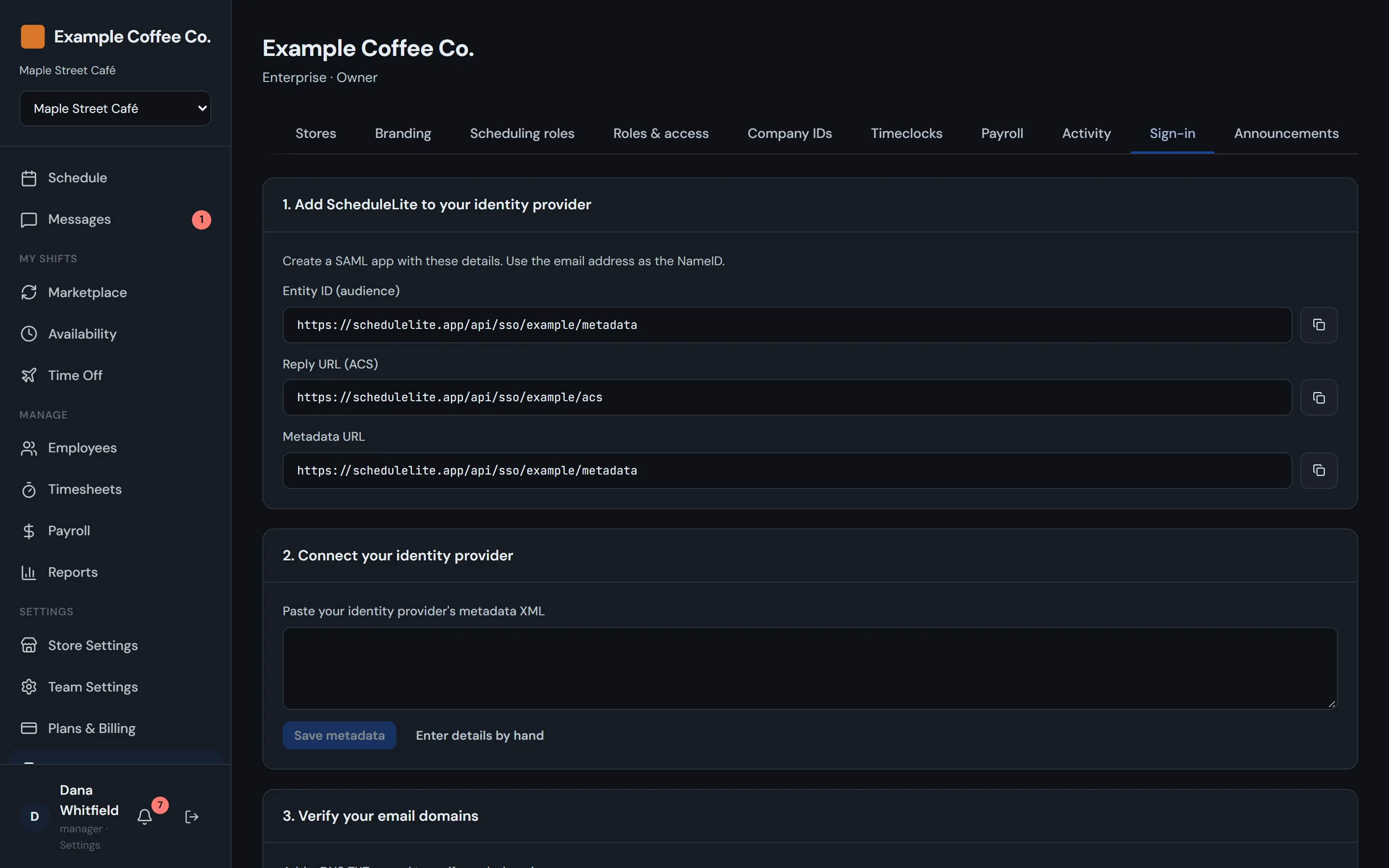
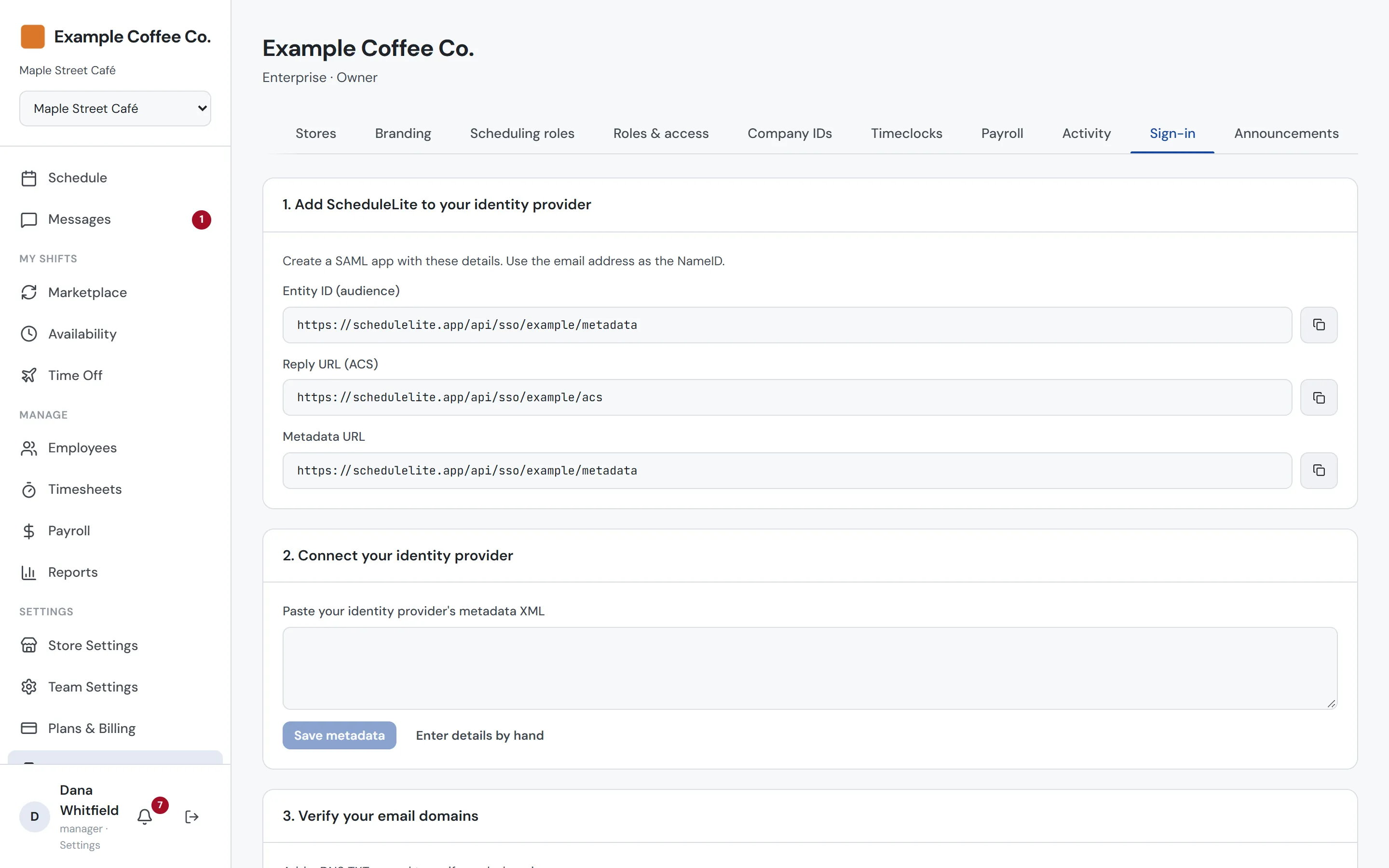
Connect Okta, Microsoft Entra ID or any SAML identity provider, verify your email domains, and test before you switch it on. Then require single sign-on for your domains, and let SCIM create accounts and turn people off the day they leave.
- SAML single sign-on with verified email domains
- Require it for your domains after a successful test
- SCIM provisioning for people and groups
- Identity provider groups become company roles
Timeclock kiosks
A timeclock on any tablet at the counter
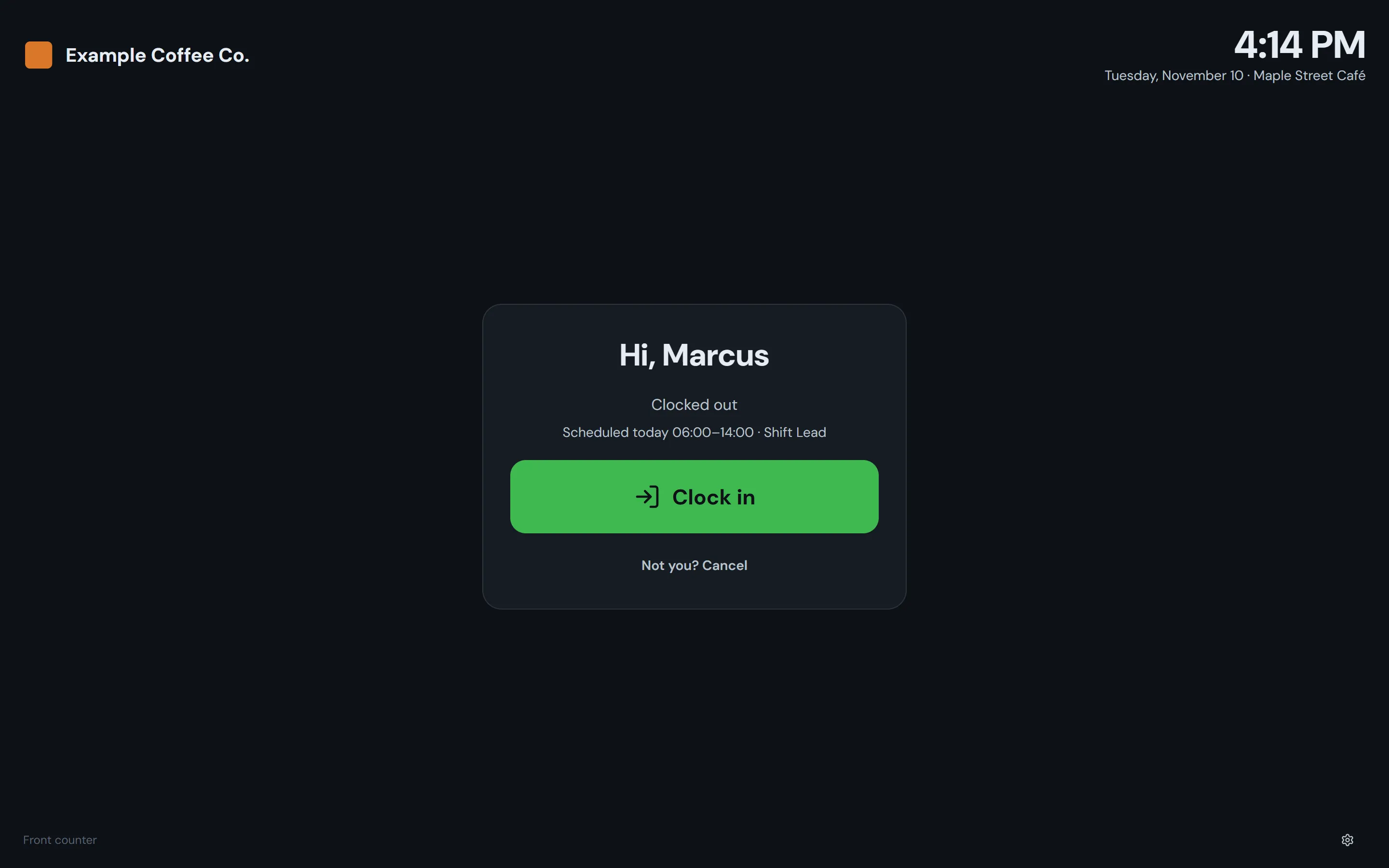
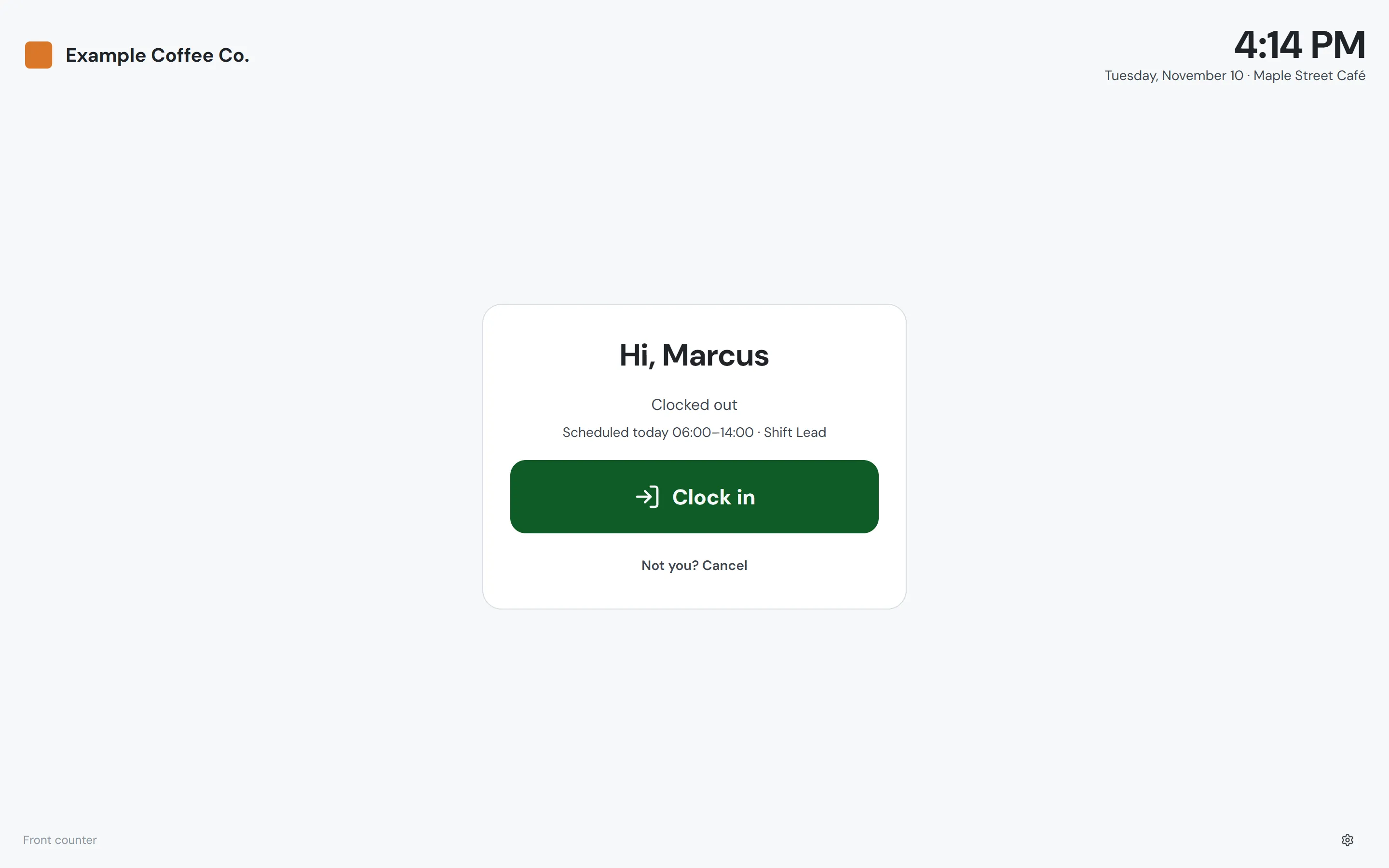
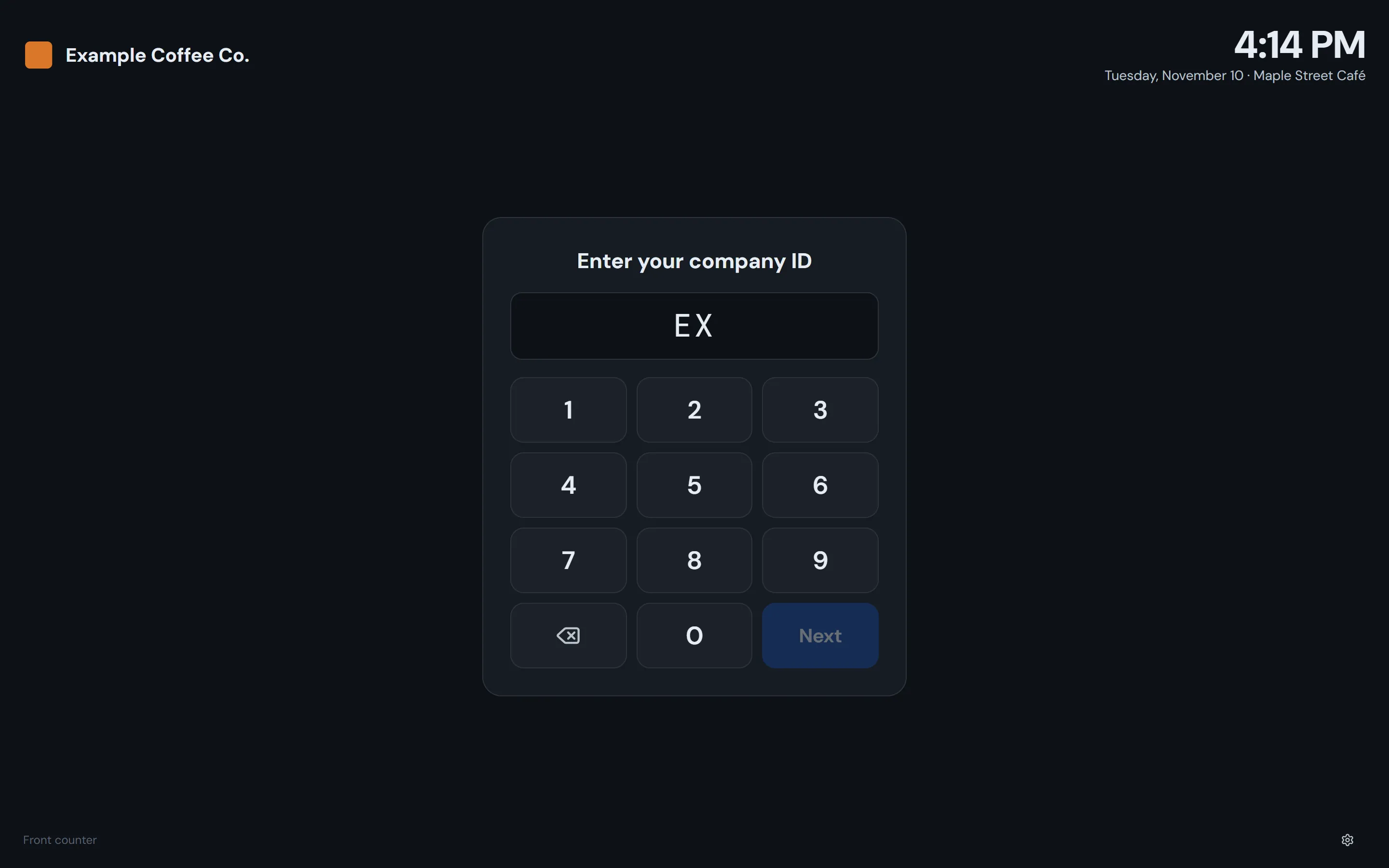
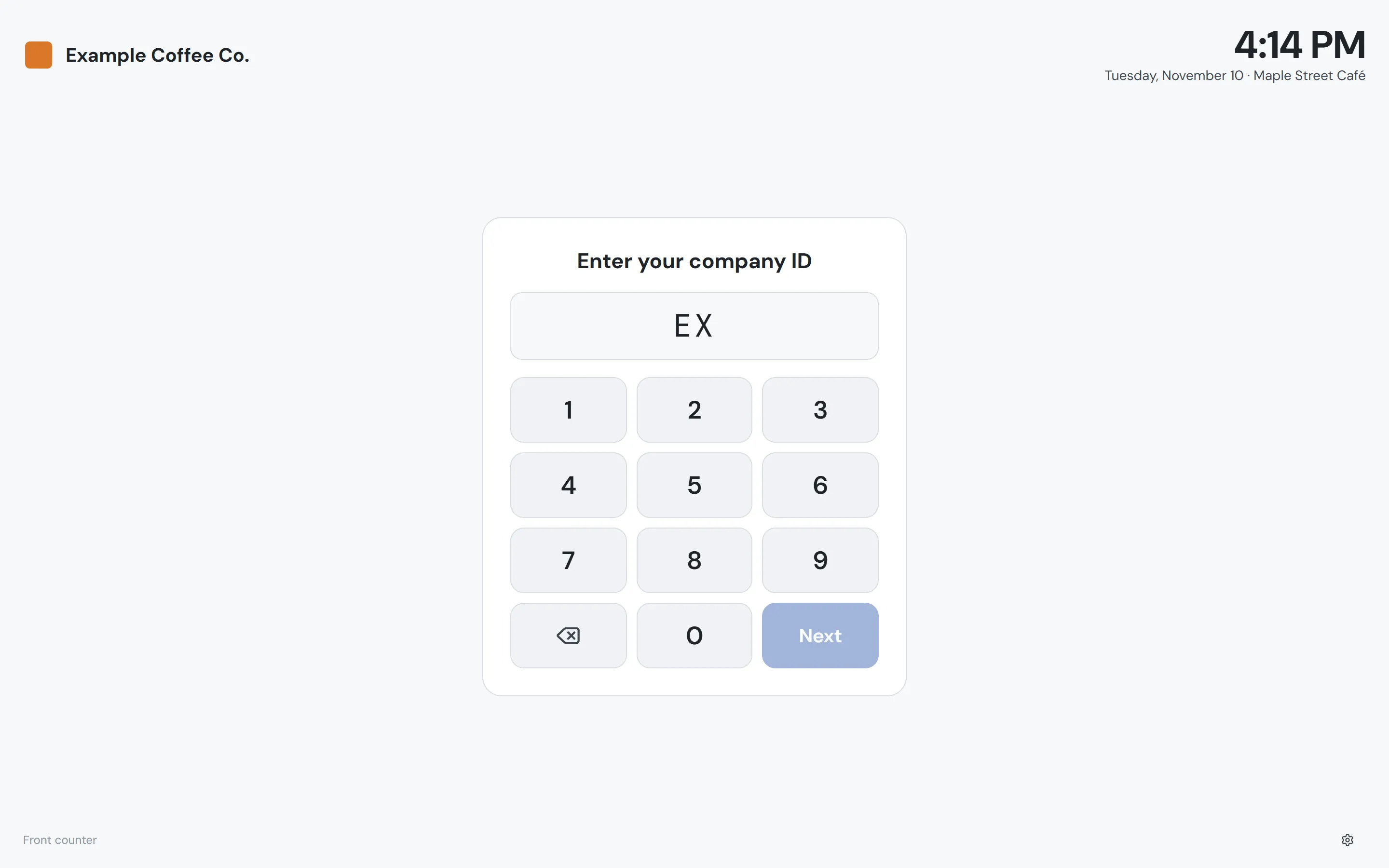
Open your company’s timeclock page on a tablet or computer, and a manager pairs it with the store once. After that, staff clock in, take breaks and clock out with their company ID and PIN, and see today’s shift and the hours they’ve worked. They can still clock in from their own phones too.
- Clock in, breaks and clock out, in that order
- Today’s scheduled shift shown at punch time
- Remove a kiosk from your account anytime
- Clears itself if someone walks away halfway through
Company IDs
One ID per person, in every store
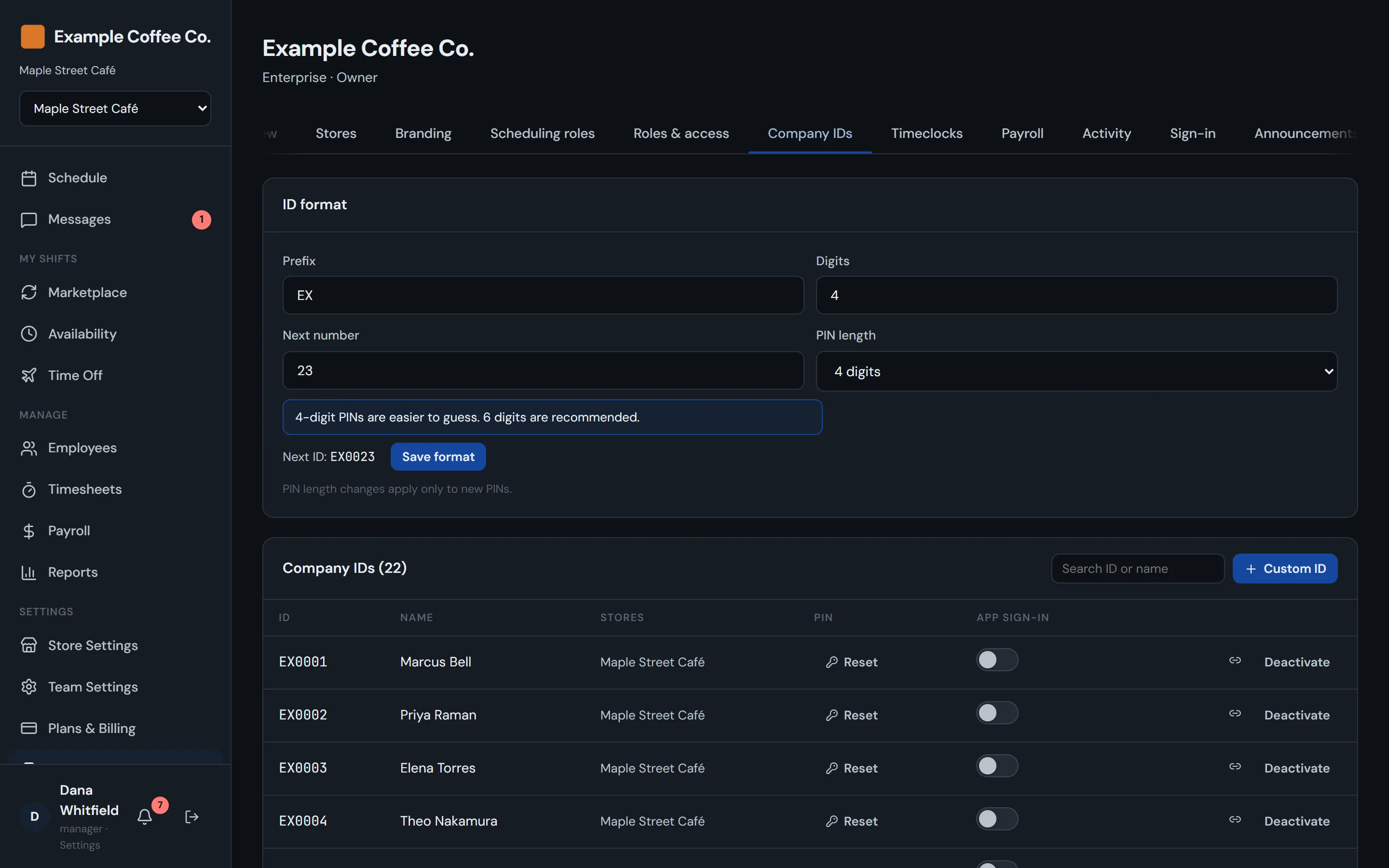
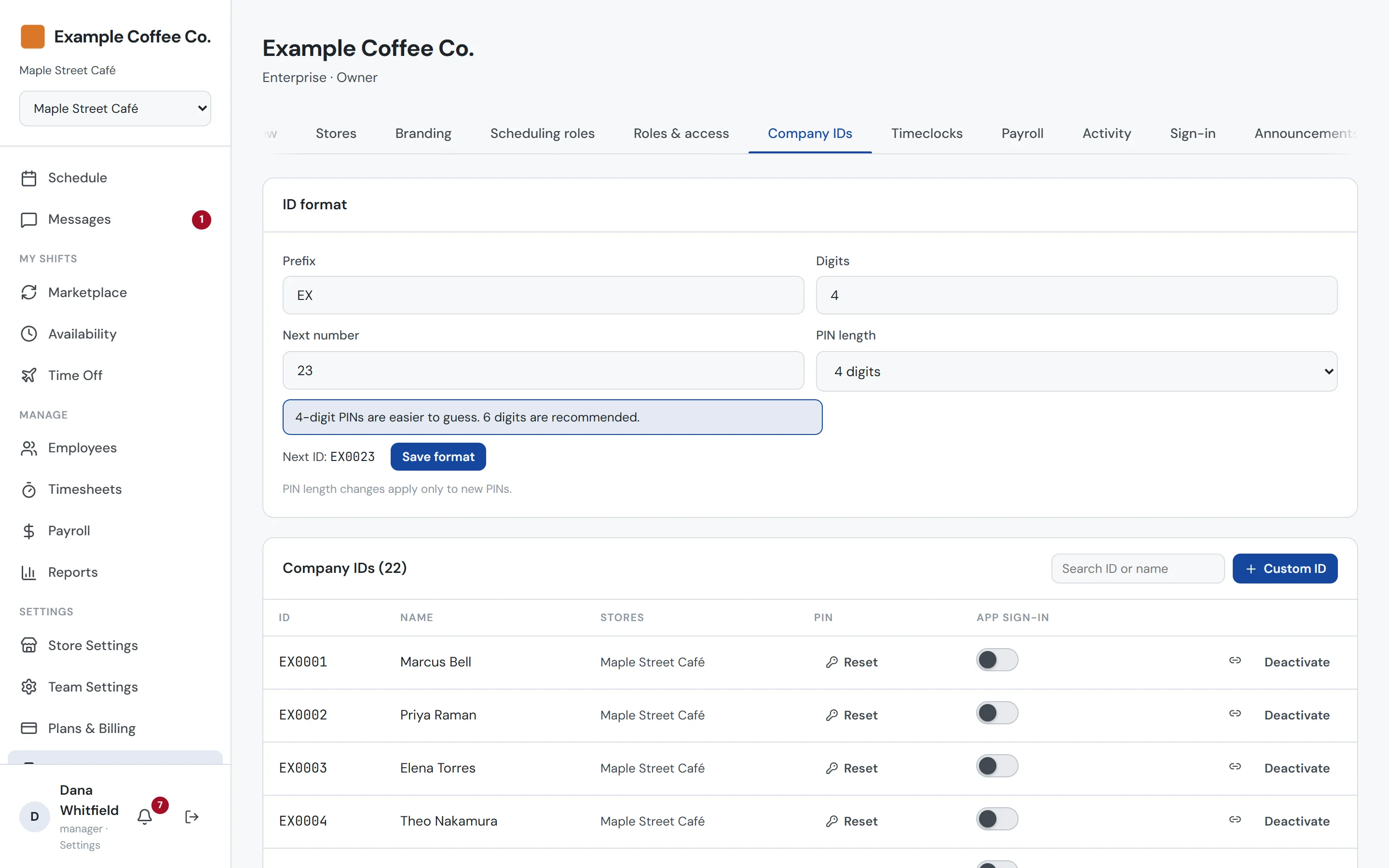
Issue IDs automatically in your own format, or enter the badge numbers you already use. Simple, easy-to-guess PINs are refused, and repeated wrong guesses lock the ID. Turn on app sign-in and staff without an email address can sign in to CrewCrow with their ID and PIN.
- Auto-numbered IDs or your existing badge numbers
- Simple PIN refusal and lockout on repeated wrong guesses
- Store managers can issue IDs for their own roster
- Optional app sign-in with ID + PIN, no email needed
Timesheets
See who’s in, and fix a missed punch
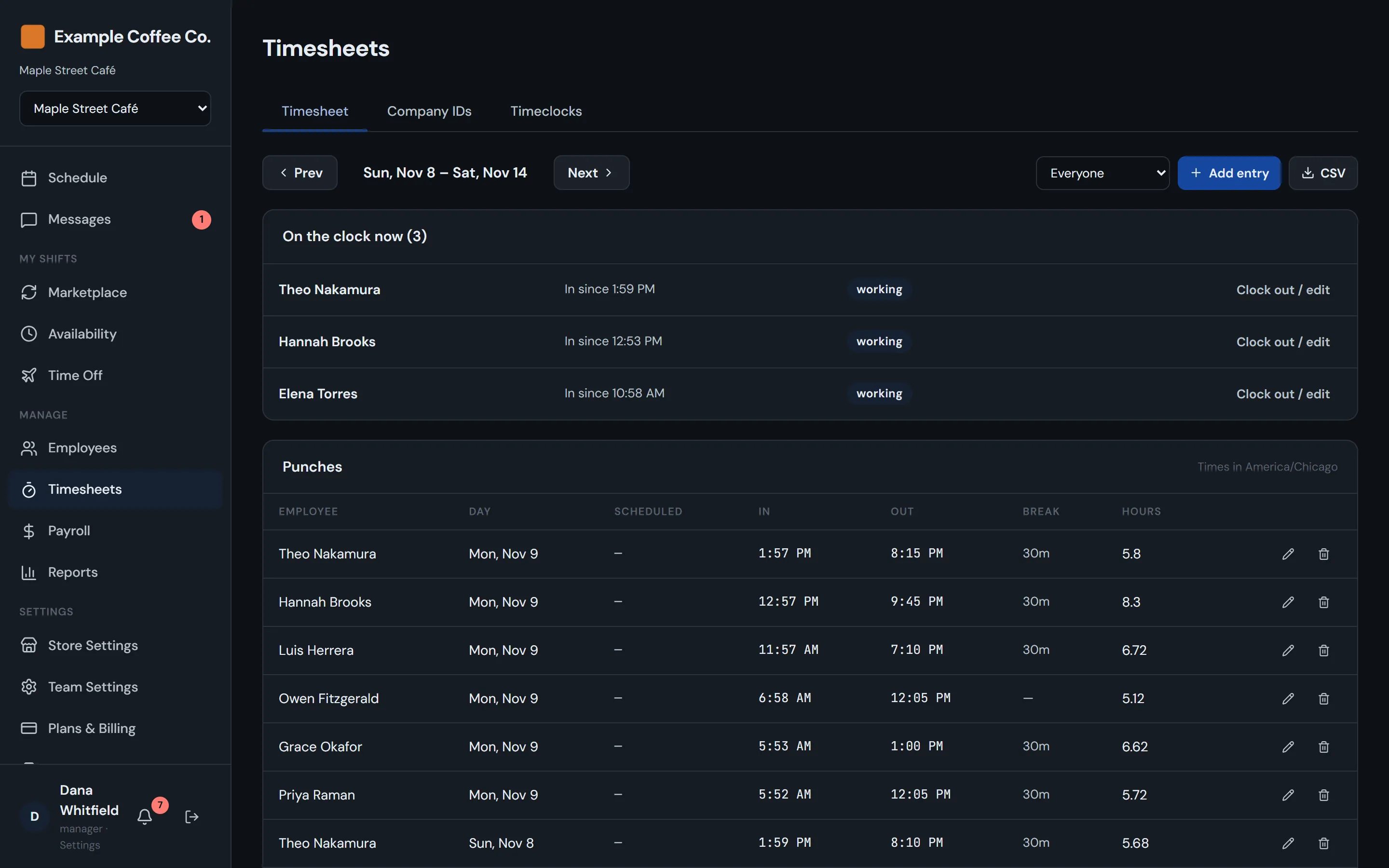
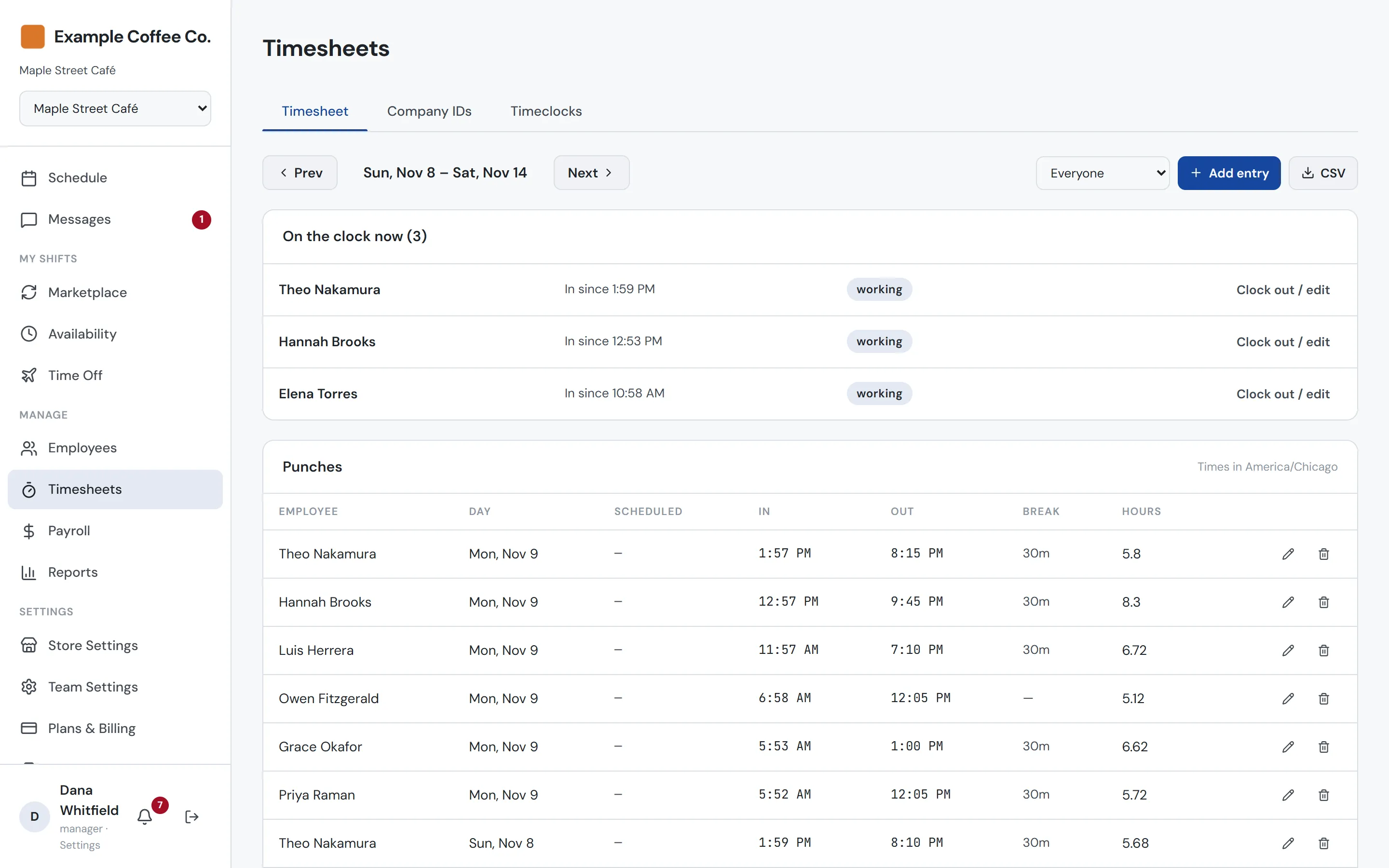
Each store has a timesheet that shows who’s on the clock right now and every punch this week, in the store’s timezone. Managers can clock someone out, fix a time or add a missed entry by hand.
- Who’s on the clock right now
- Every punch with breaks and hours
- Edit or add entries for missed punches
Payroll & reports
One payroll run, and one set of reports, for every store
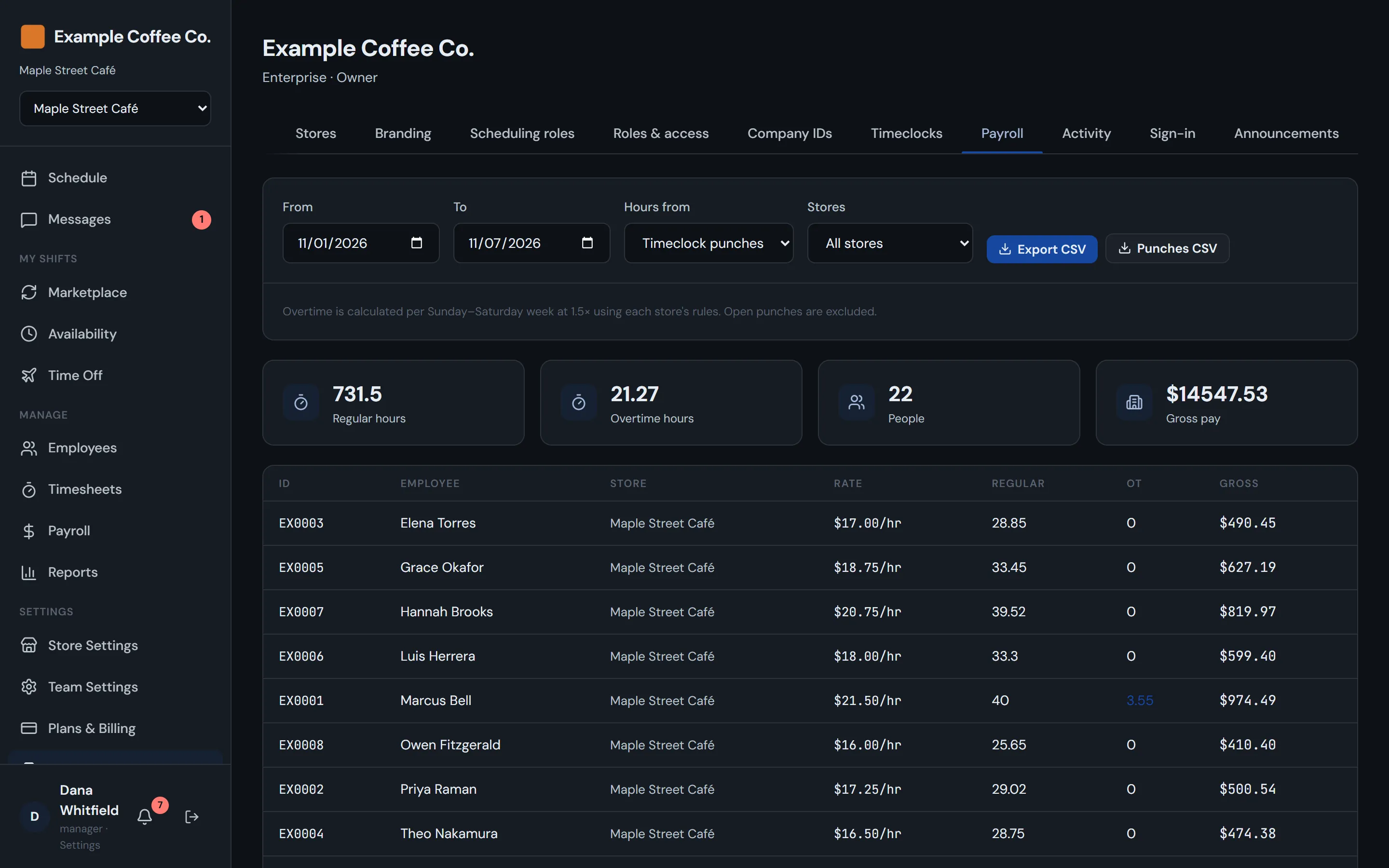
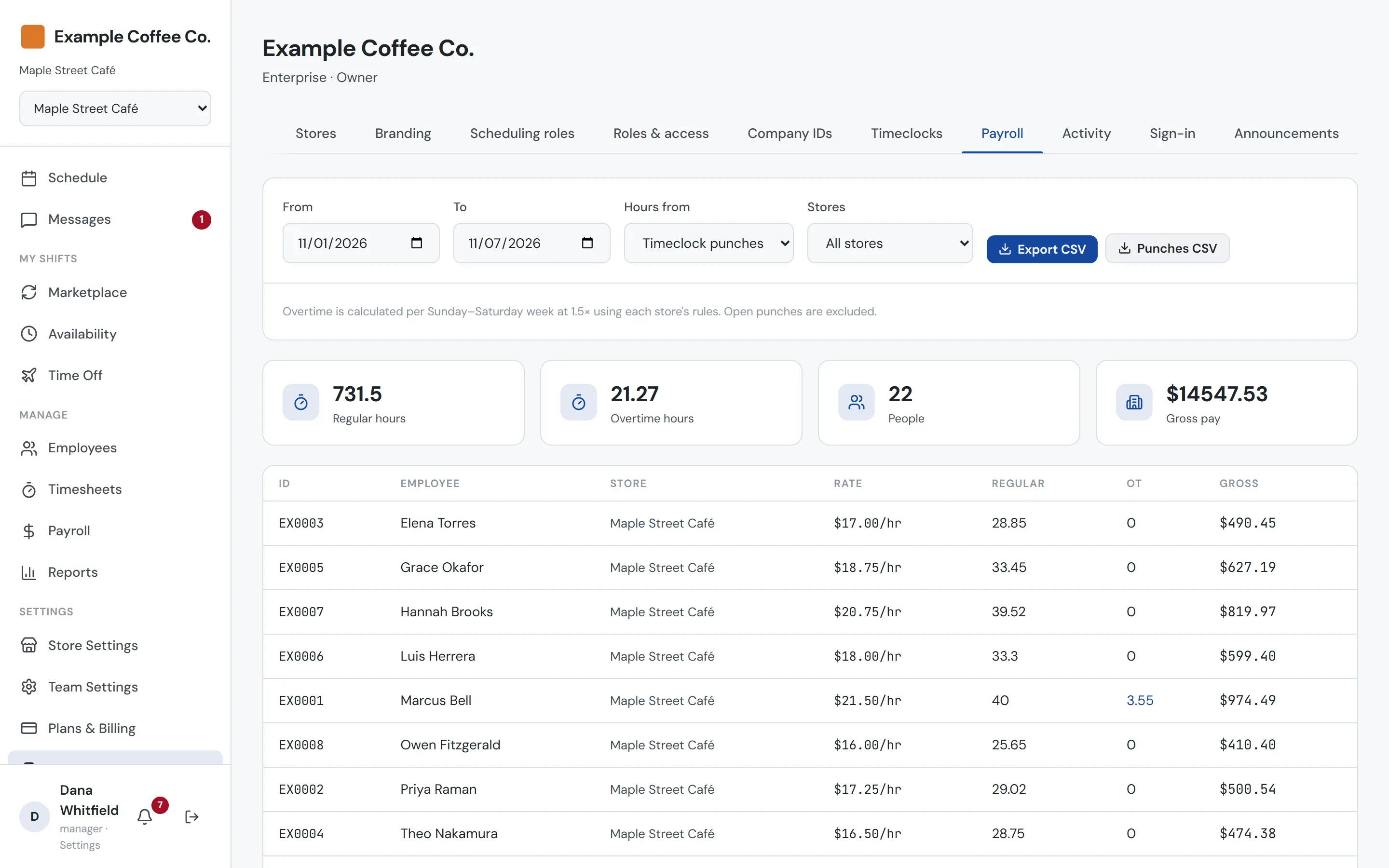
Total hours and gross pay for any date range across all your stores, worked out from timeclock punches or the schedule. Overtime follows each store’s rules. Export a summary CSV for your payroll provider, or every punch for an audit, and run overtime, attendance, scheduled vs actual and labor reports across several stores at once.
- Hours from punches or from scheduled shifts
- Daily and weekly overtime per store, paid at 1.5×
- Summary and punch-level CSV exports
- Reports across stores, including scheduled vs actual
Company announcements
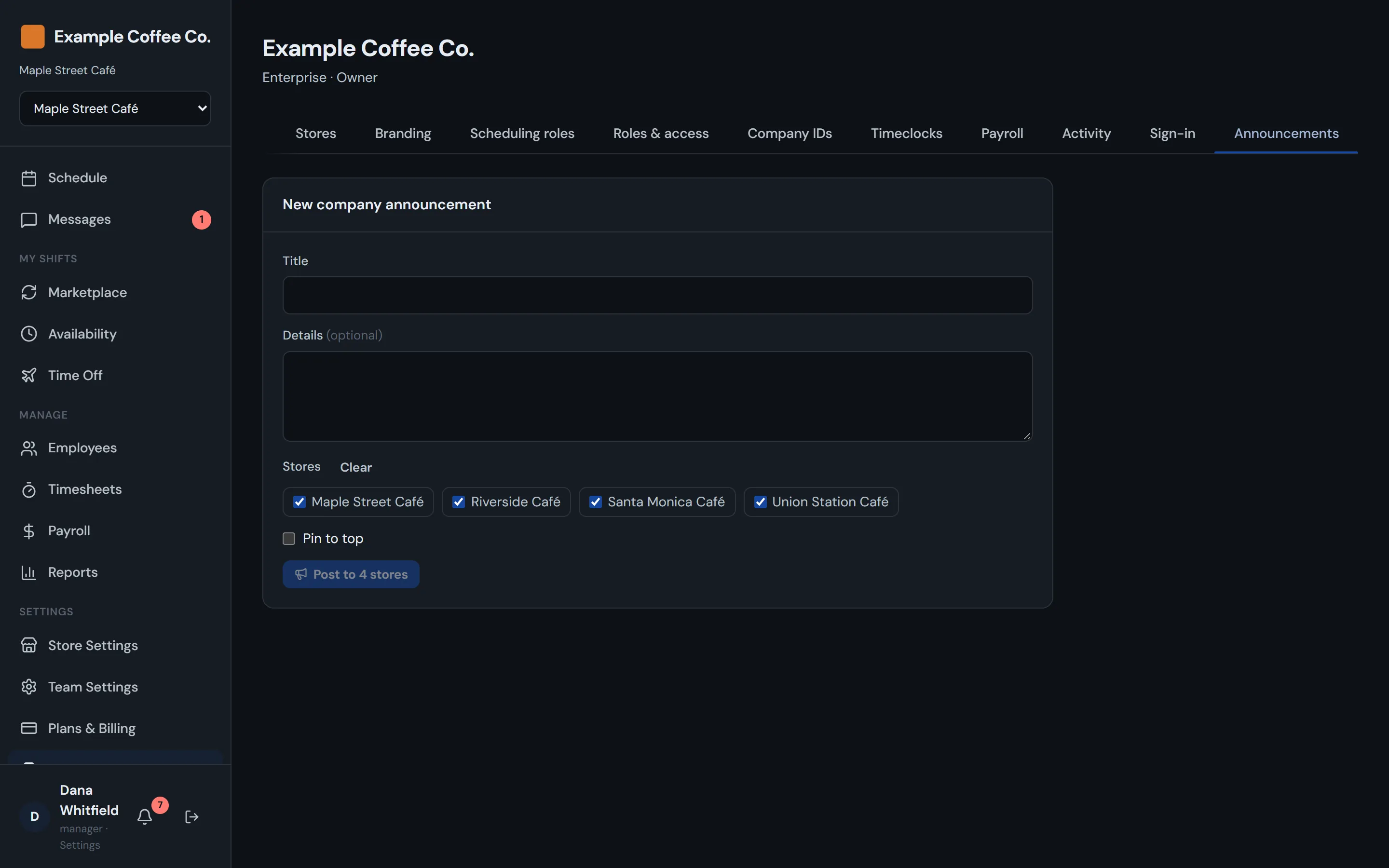
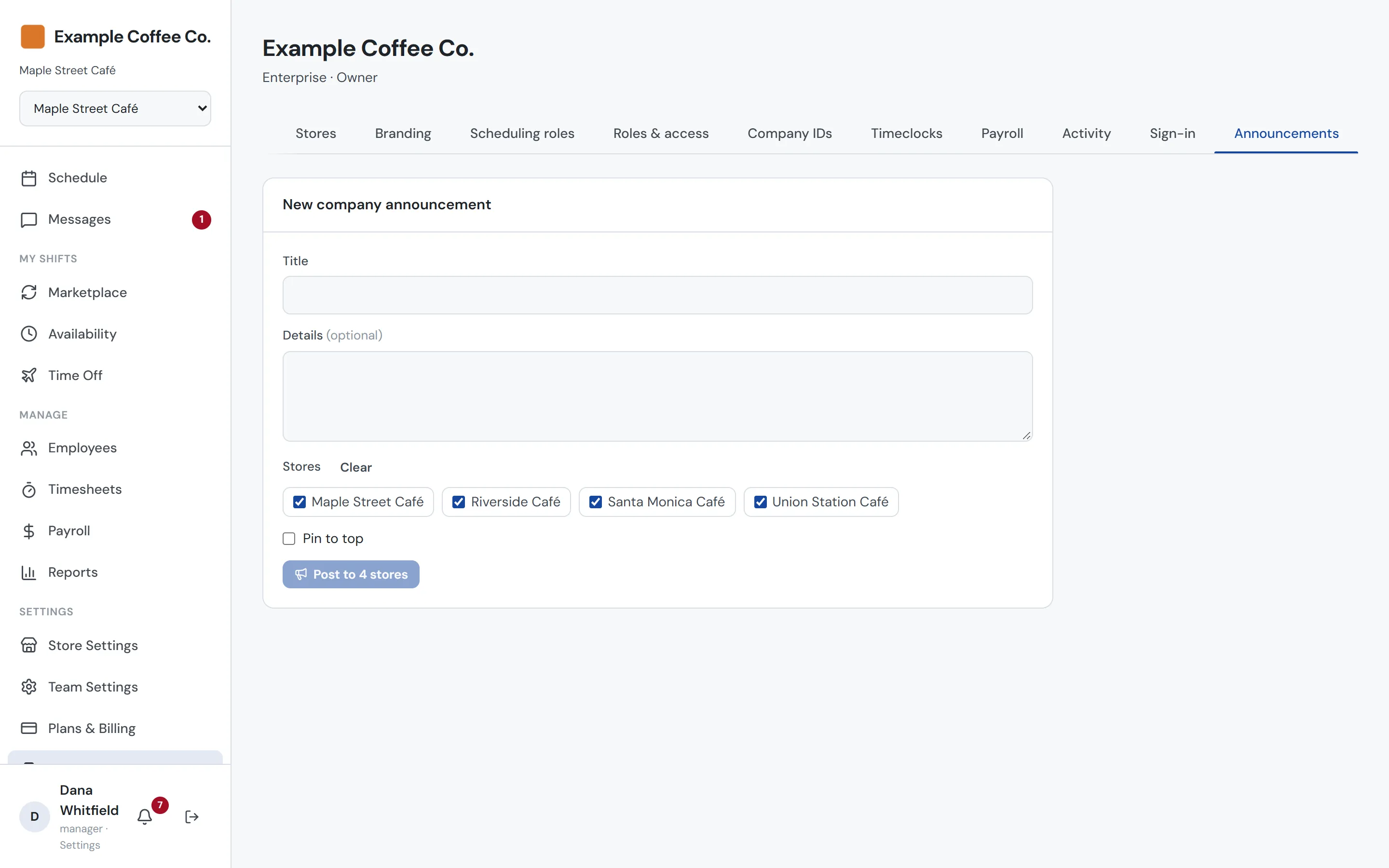
Tell every store at once
Post one announcement to all your stores or just some of them. It shows up in each store’s Messages next to its own announcements, and you can see how many people have read it, store by store.
- Post to every store or a chosen few
- Pin what matters
- Read counts per store
Activity log
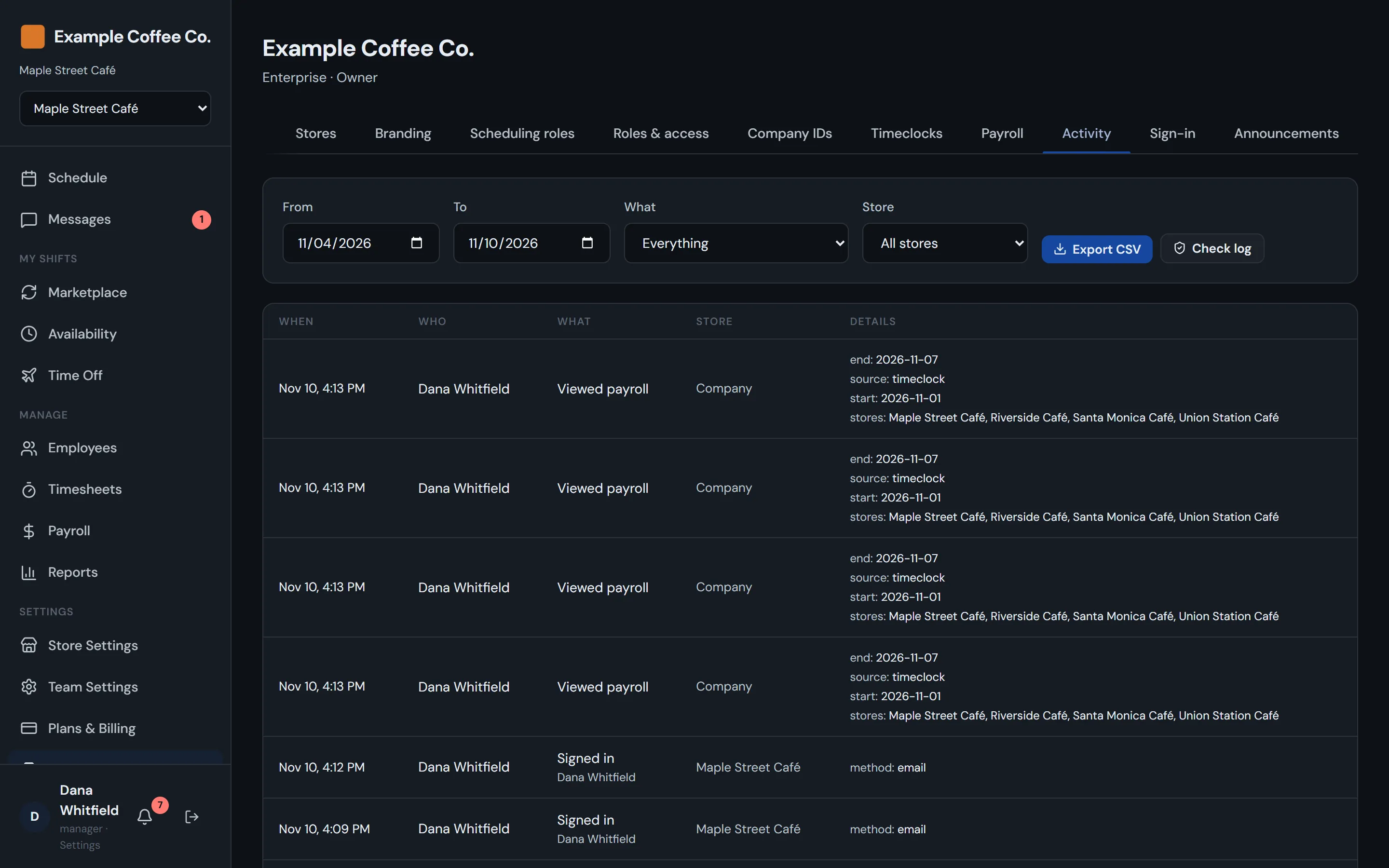
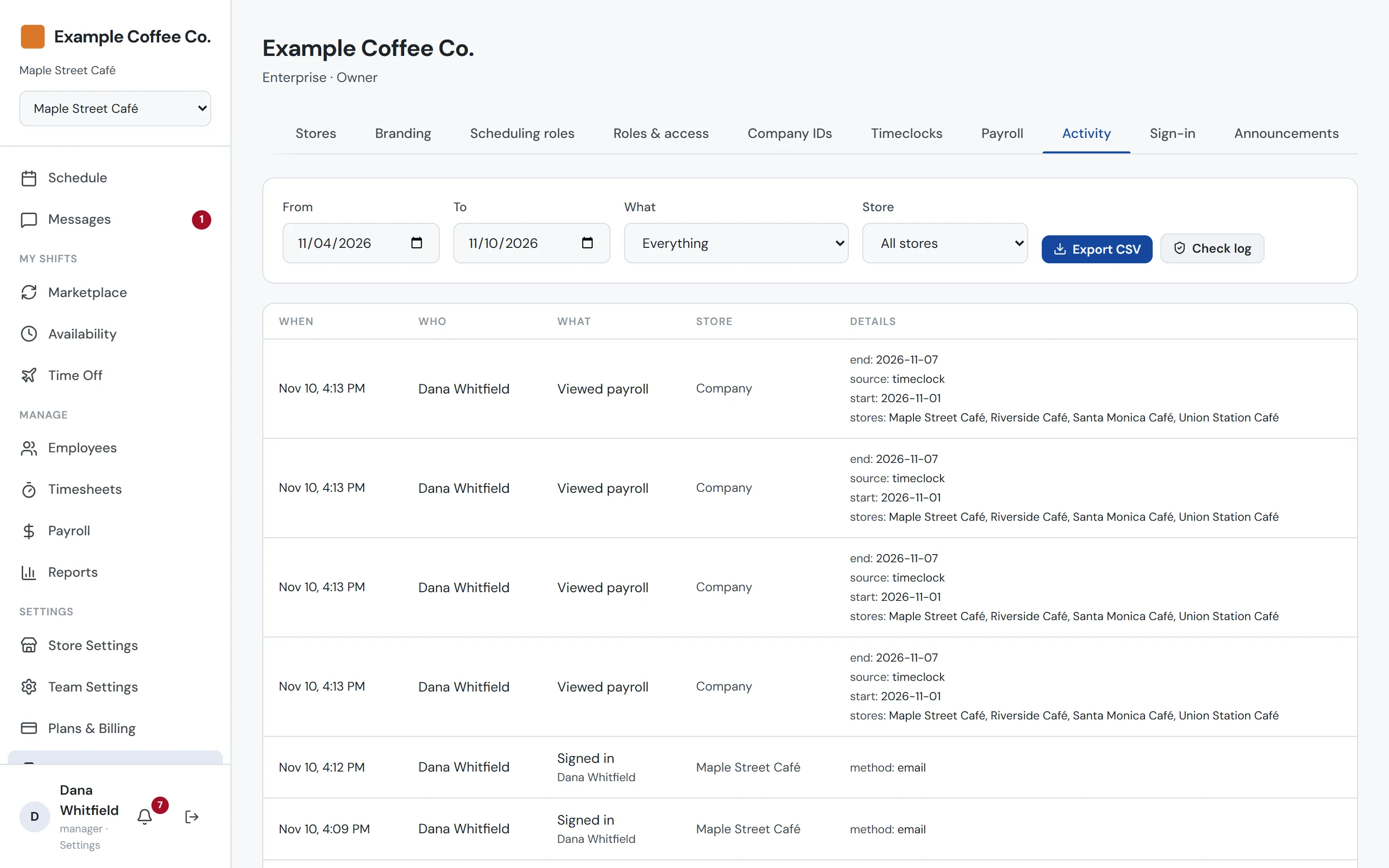
Know who changed what, and when
Schedule changes, roster edits, pay changes, sign-in settings and company roles are all recorded with who made the change and where. Filter by store, kind of change or date, and export the log when you need it.
- Changes in every store, in one place
- Filter by store, kind of change and date
- CSV export
Branded sign-in
The same ID at the counter and in the app
Your kiosks and your company’s sign-in page both carry your brand. Staff use one company ID and PIN at the timeclock and, if you allow it, to check their schedule. Everyone else can sign in through your identity provider.
Safeguards
Built for shared tablets at the counter
Industry-standard encryption
PINs are encrypted and never stored or shown in plain text, not even to us.
Simple PIN refusal
Easy-to-guess PINs are turned away when they’re set.
Lockout protection
Too many wrong guesses lock the ID, without locking out the rest of the store.
Tamper-resistant punches
Each punch is verified as it happens, so it can’t be copied or sent twice.
Kiosks you control
Remove a timeclock from your account and it stops working right away.
Confirm it’s you
Changes to sign-in settings and company roles ask for a recent sign-in first.
Off the day they leave
Turn someone off in your identity provider and their access ends right away.
Safe exports
Payroll files are cleaned before download, so they open safely in any spreadsheet.
Running more than one store?
Tell us about your company and we’ll set up Enterprise for you.