
Shift scheduling for cafés, shops & clinics
The schedule is done.
Everyone already knows.
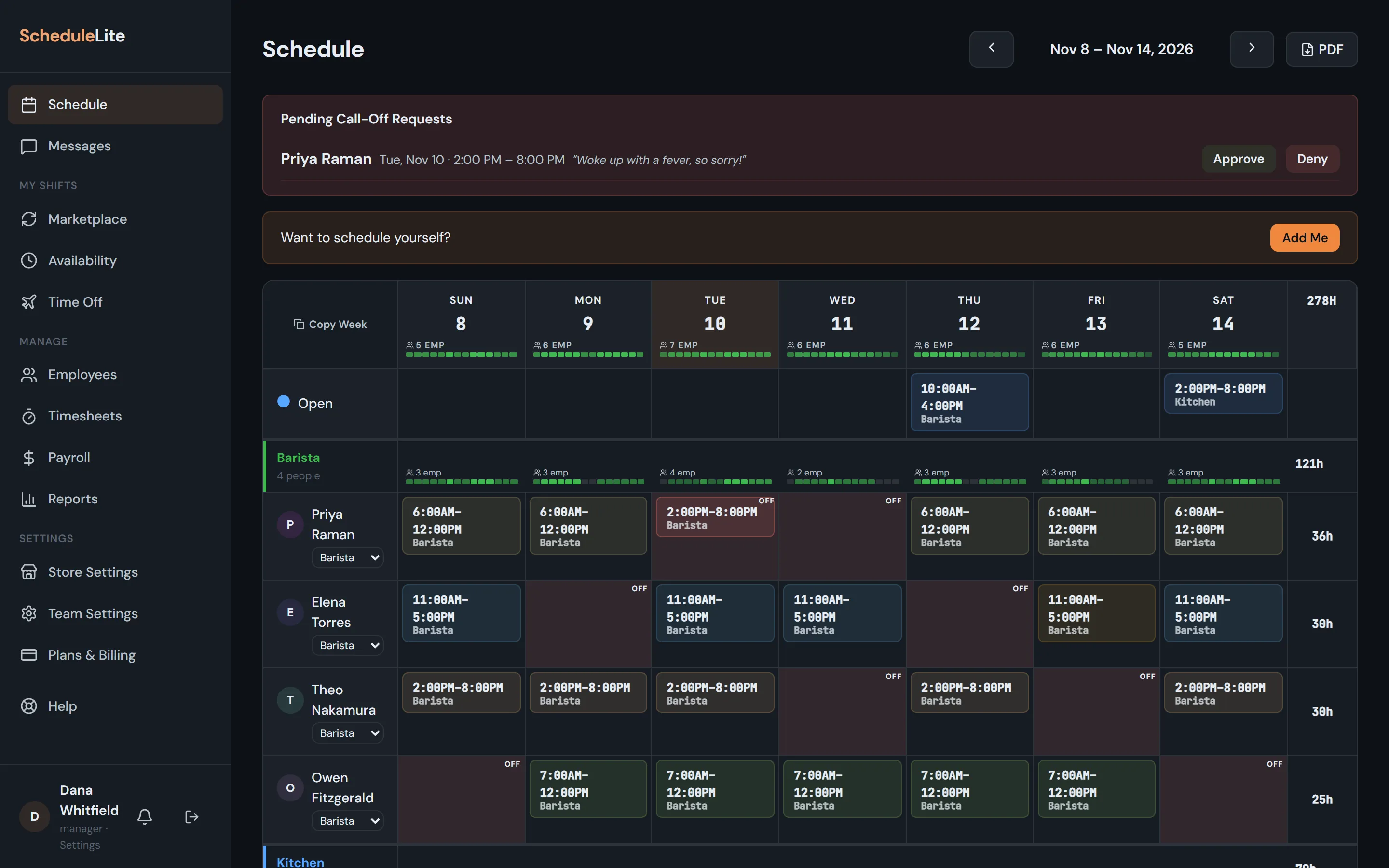
Build the week on one grid, publish it in a click, and let your team handle swaps, availability and call-offs from their phones — without a single group text.
- Free for up to 10 employees
- No credit card
- Works on any phone
Built for restaurants · cafés · retail · clinics · hotels · warehouses
What you get
Less time on the schedule. More time running the place.
Weekly schedule
Build next week in the time it takes to drink a coffee
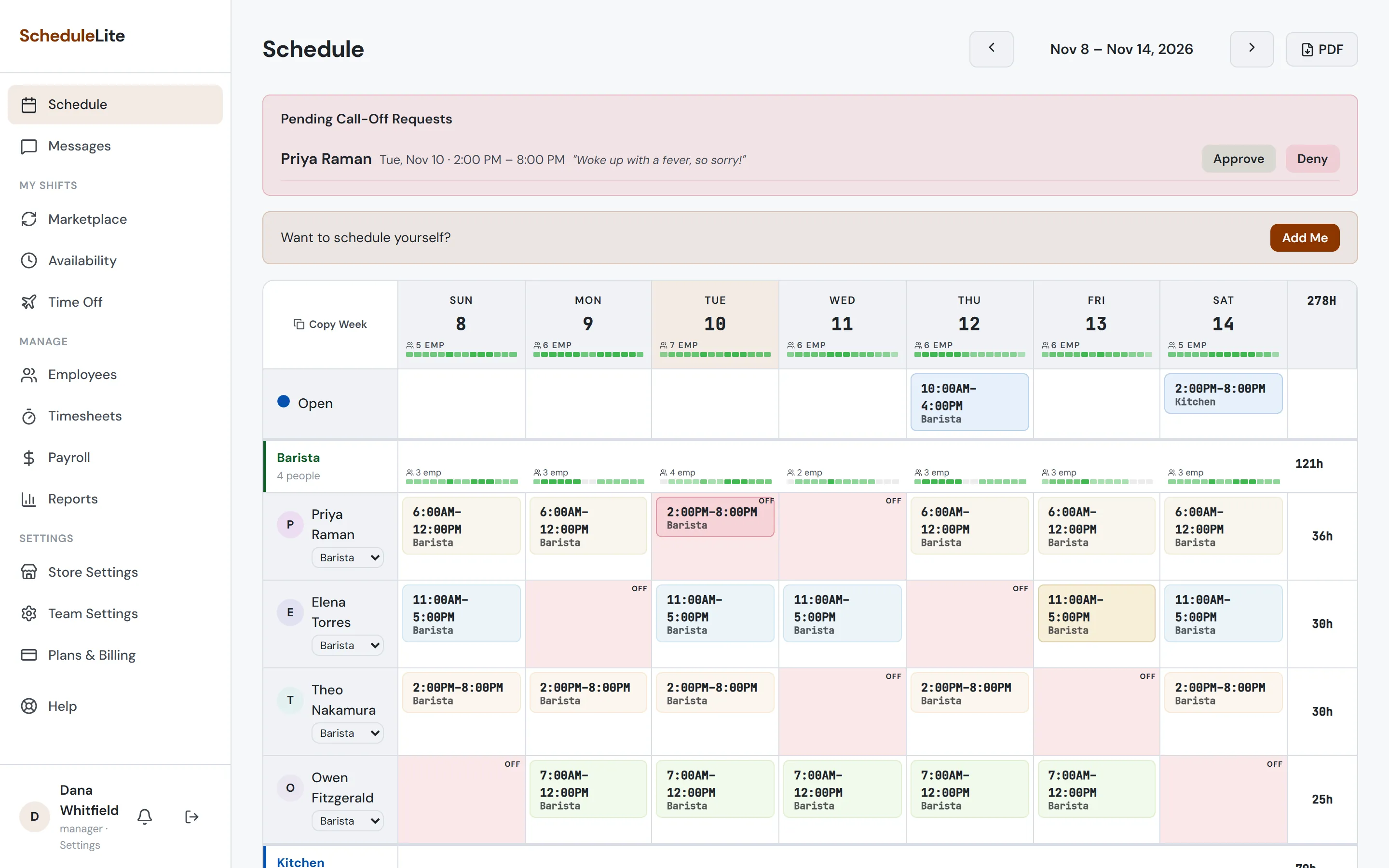
One grid, grouped by role. Double-click to add a shift, use your saved templates, copy and paste a whole block with Ctrl+C / Ctrl+V, or start from last week with Copy Week. Nothing reaches your team until you hit Publish, and publishing checks for overtime, availability and approved time off first.
- Shift templates for openers, mids and closers
- Keyboard shortcuts, multi-select and undo
- Copy a day, a block, or the whole week
- Notes on a shift for the person working it
- Print-ready PDF export on Plus and up
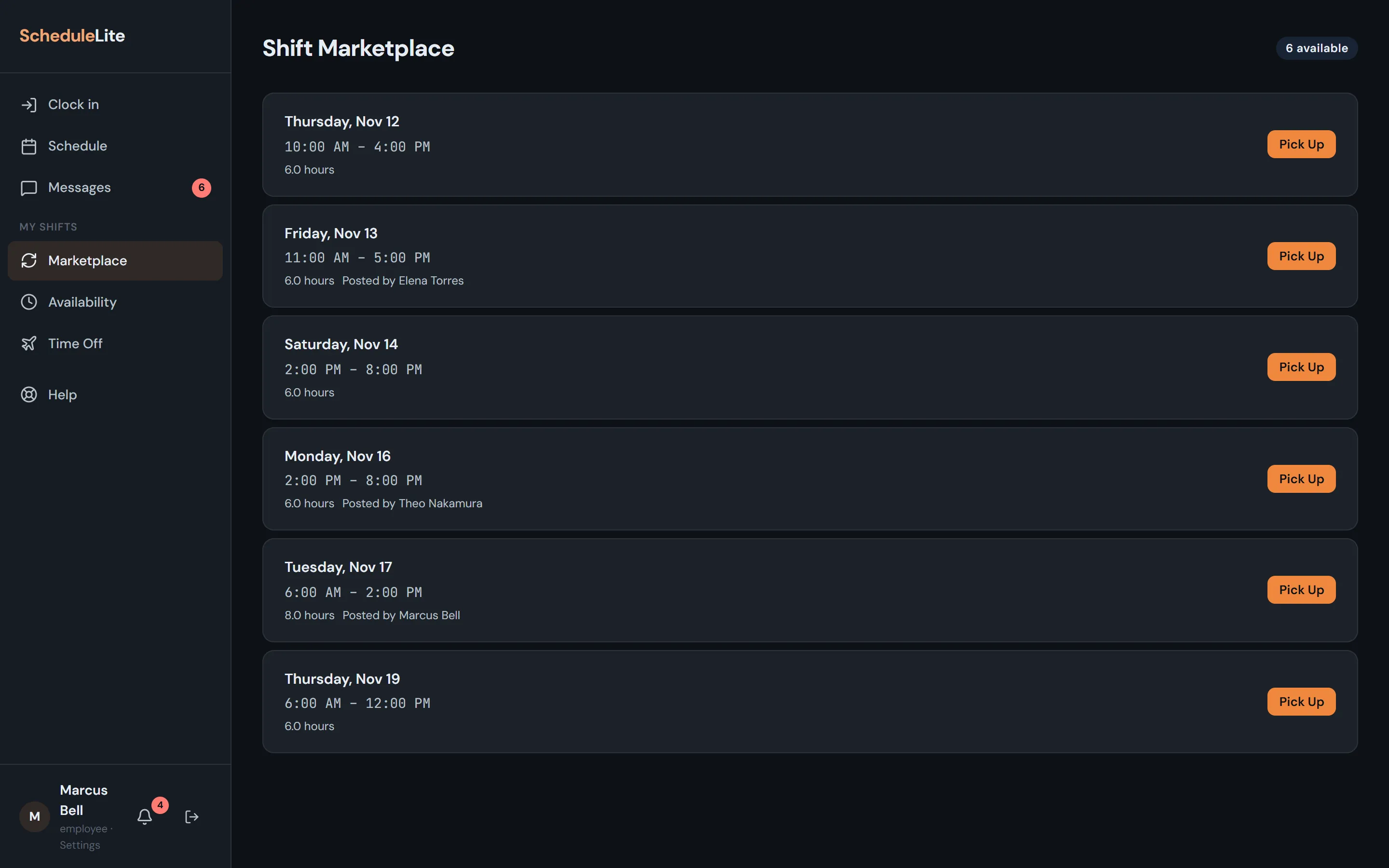
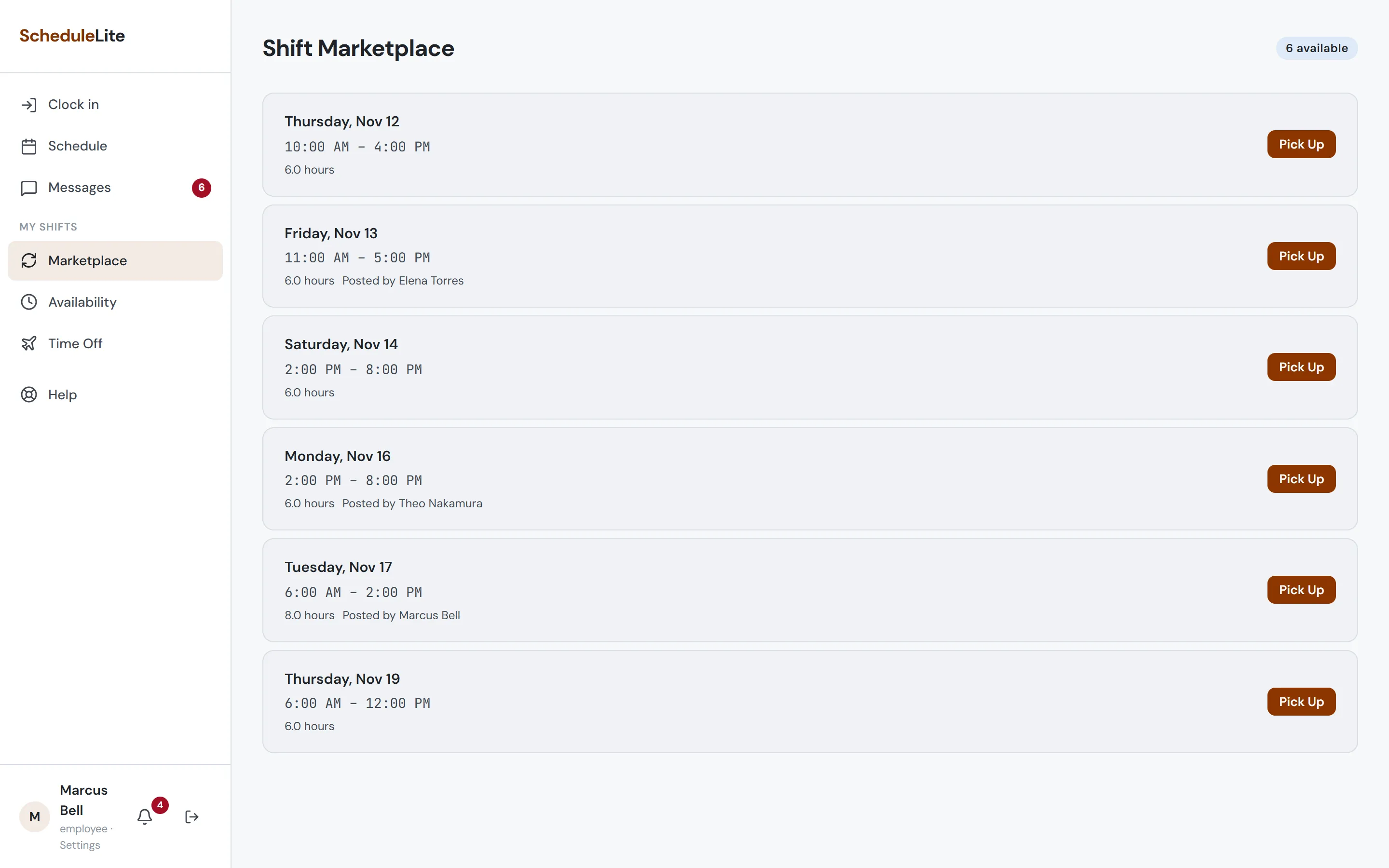
Shift marketplace
Swaps without the group text
Employees post shifts they can’t work, and teammates pick them up in a tap. The shift stays covered by the original person until someone takes it, and CrewCrow blocks pickups that would overlap, clash with availability, or trigger overtime.
- Open and posted shifts in one list
- Pickups checked for overlaps, availability and overtime
- Everyone notified automatically
Availability
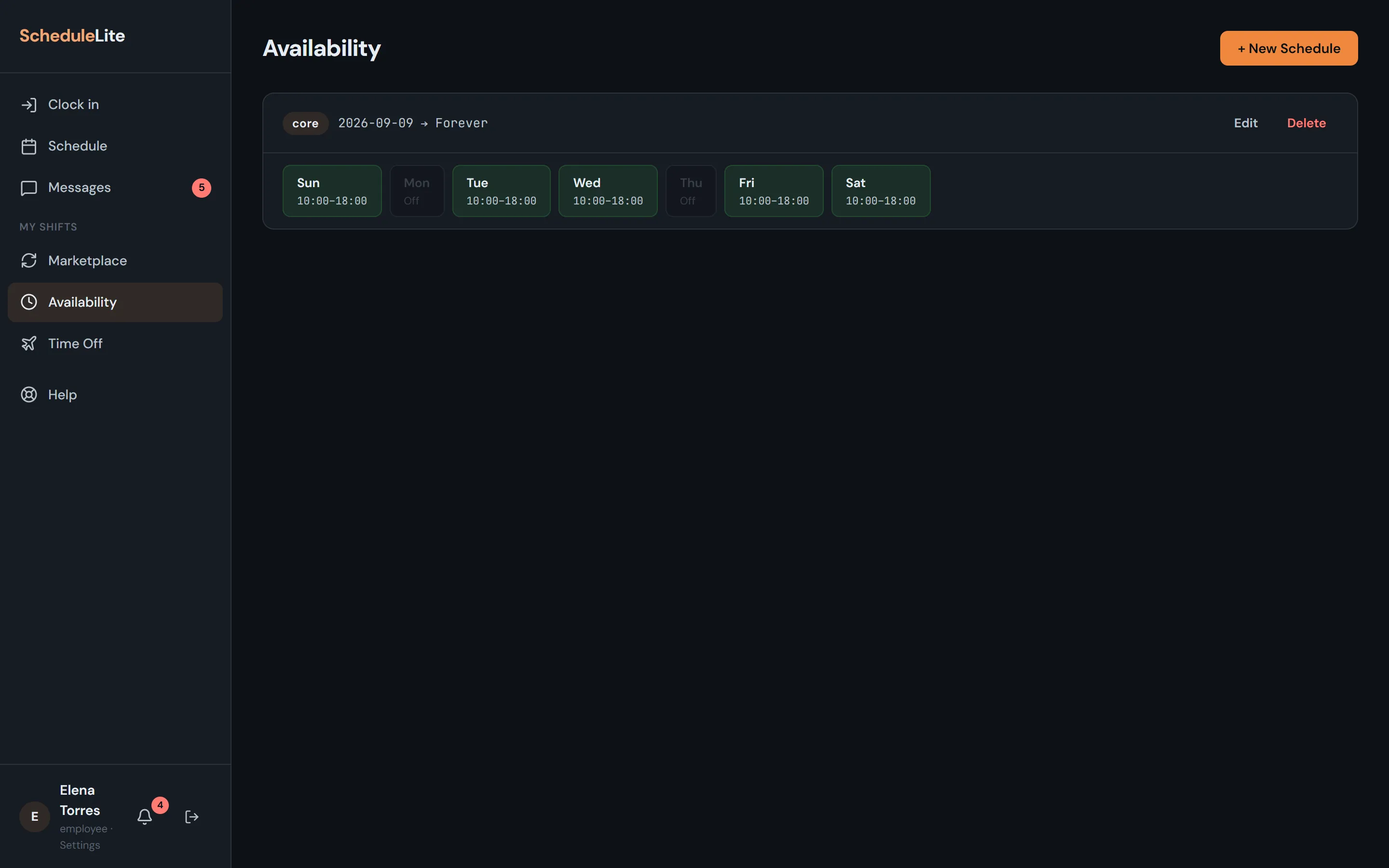
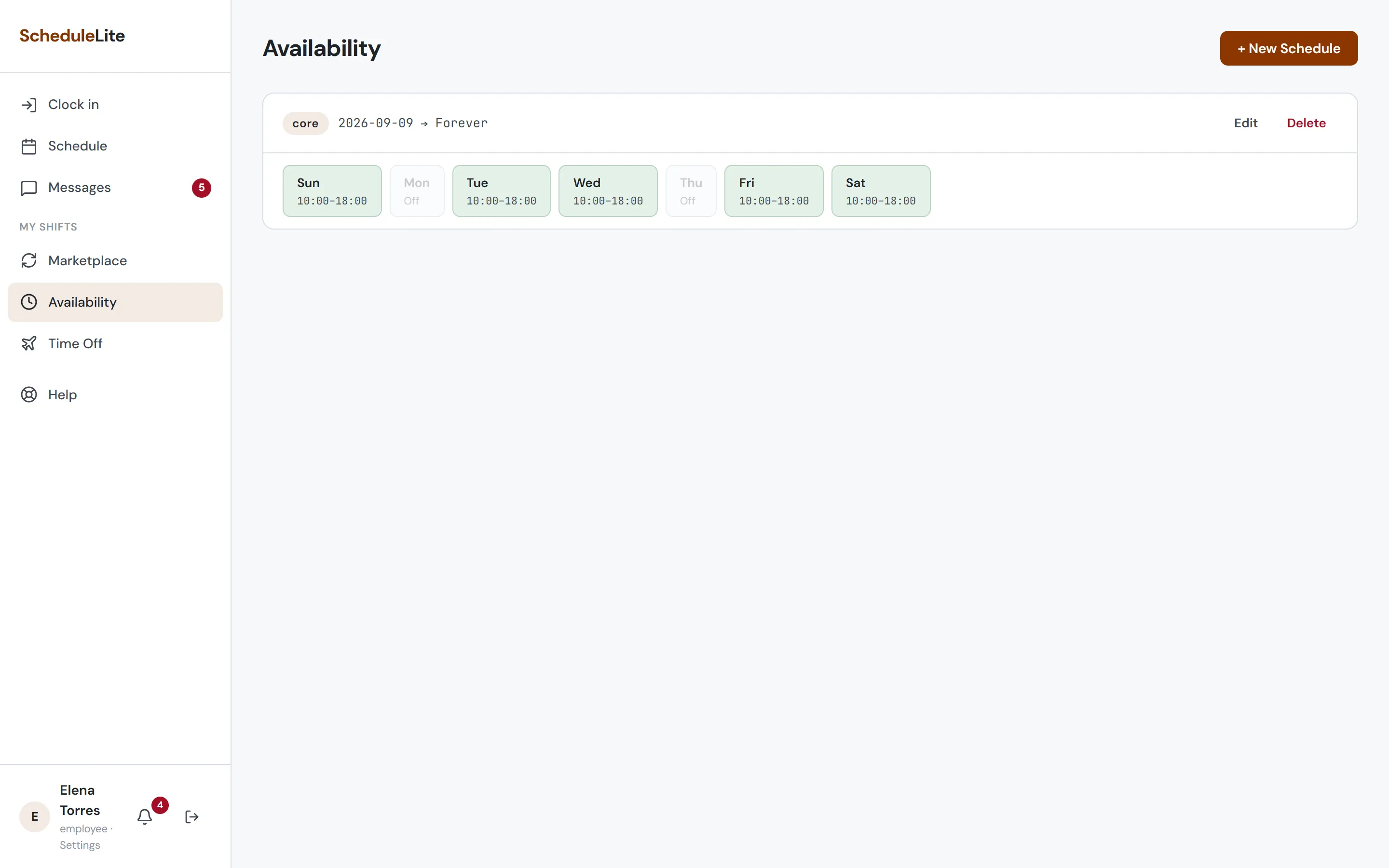
Your team tells you when they can work, once
Employees set a core weekly schedule with all-day, partial or off days, then layer on temporary changes for exam weeks. Alternating weeks are supported too.
- Core and temporary schedules
- Time windows per day
- Every-other-week patterns
Works on any phone
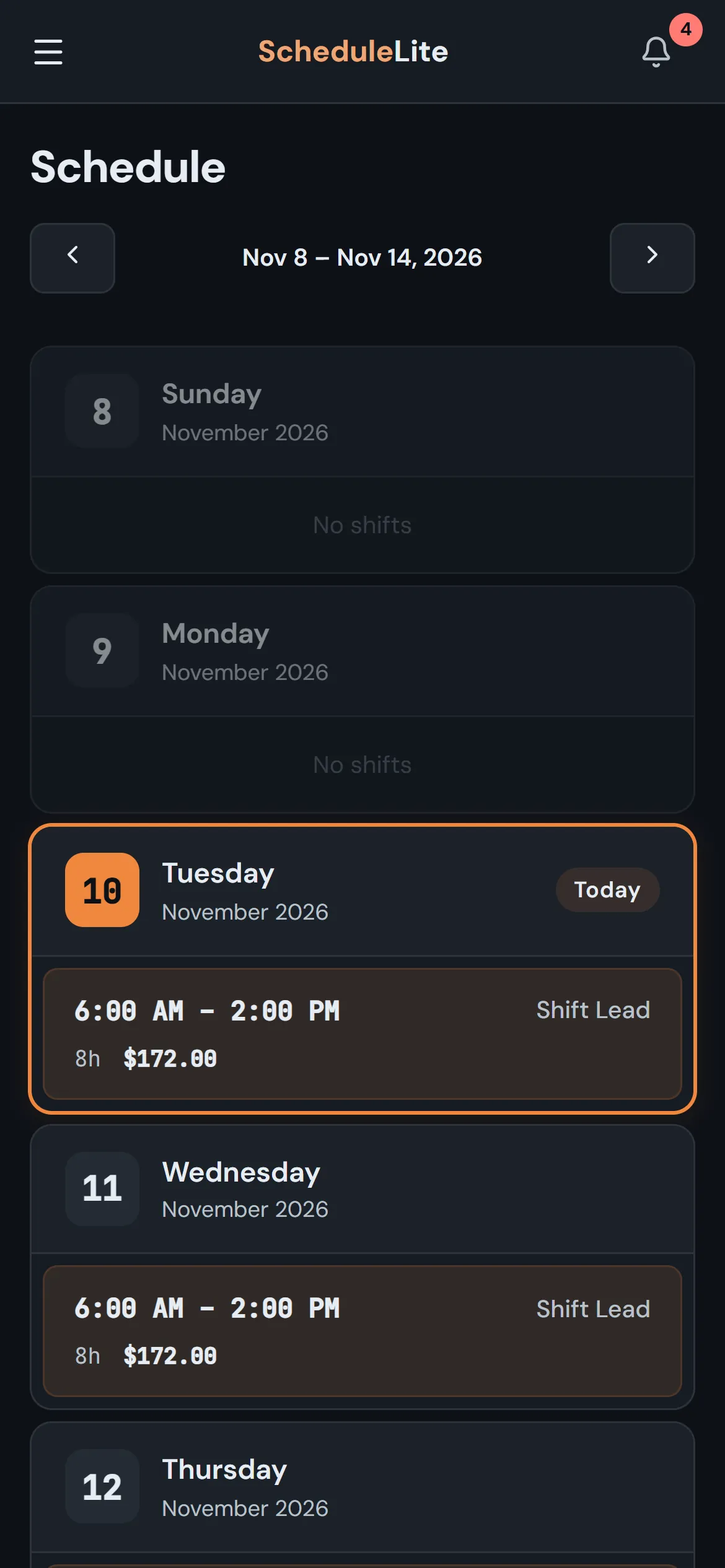
No app store. Add it to the home screen and get push notifications.
Sign in with Google, Microsoft or Apple
Or use an email and password. Staff can link any of them from Account Settings.
Shifts in your calendar
Subscribe from Google, Apple or Outlook and your shifts show up next to everything else.
API and webhooks
On Pro, connect your own tools with API keys and signed webhooks.
Roles & colors
Group the grid by Barista, Kitchen, Shift Lead, whatever your roles are.
Store hours
Set open and close times per day; they frame the grid and the heatmap.
Invite codes
Share one code. Approve join requests from Team Settings.
Notification controls
Everyone chooses which categories they hear about.
Built-in support
Message us from inside the app and get replies right there.
How it works
Up and running before your next shift change
- 1
Create your team
Sign up as a manager and set your store hours, roles and usual shifts.
- 2
Invite your people
Share your invite code. Staff join from their phones and set their availability.
- 3
Publish the week
Fill the grid, hit Publish, and everyone is notified of their shifts.
For managers
- Build and publish weekly schedules
- See coverage gaps hour by hour
- Approve call-offs in one click
- Catch overtime before it happens
- Track payroll as the month goes
For employees
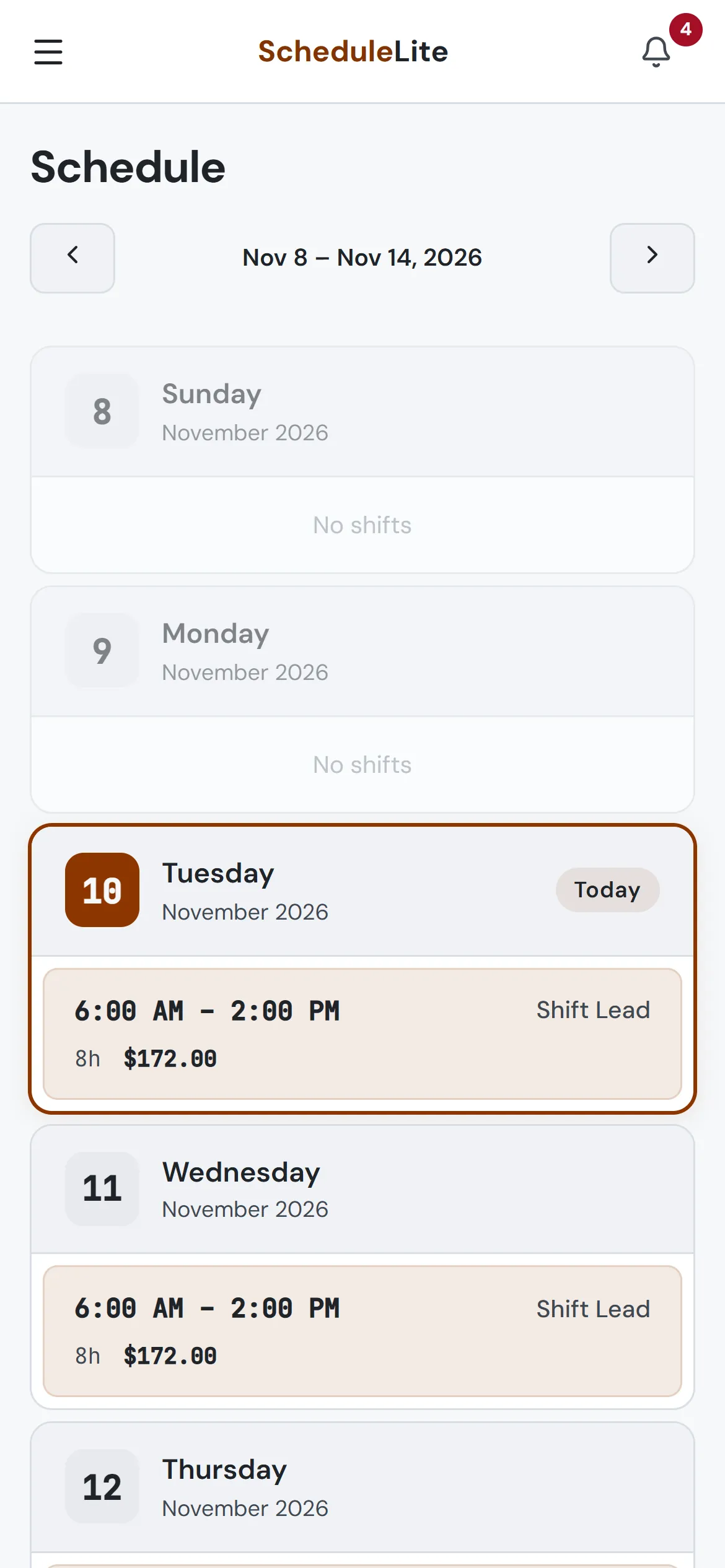
- See this week’s shifts — and what they pay
- Post shifts and pick up extra hours
- Set availability and time off
- Call off or say you’re running late
- Get notified the moment things change
Pricing
Free for small teams. Plus and Pro as you grow. Enterprise when you open more stores.
Free
$0forever
Everything a small team needs to run the week.
- Up to 10 employees
- Weekly scheduler & templates
- Shift marketplace
- Availability & call-offs
- Payroll for the current month
- Overtime report
- Push notifications
Plus
$19/monthor pay yearly and get two months free
For teams that outgrew Free but not the corner shop.
- Up to 25 employees
- Everything in Free
- Clock in and out from your phone
- Timesheets you can review and fix
- Copy any past week
- 6 months of schedule history
- Attendance and labor vs sales reports
- PDF and CSV exports
Pro
$39/monthor pay yearly and get two months free
For growing teams and multi-state compliance.
- Unlimited employees
- Everything in Plus
- Geofenced clock-in at your store
- Early & late punch rules
- Scheduled vs actual hours
- State overtime rules
- Full pay & schedule history
Enterprise
$59/store/month3-store minimum
For multi-store companies with shared kiosks and payroll across stores.
- Everything in Pro
- Your logo and colors everywhere
- Multiple stores under one company
- Company-wide roles & dashboard
- Timeclock kiosks at timeclock.crewcrow.app
- Company IDs with PIN sign-in
- Payroll CSV export across stores
Questions
Good to know
Step-by-step tutorials and answers for managers and employees live in the help center.
Visit help.crewcrow.appIs CrewCrow free?
Yes. The Free plan covers teams of up to 10 active employees with the full scheduler, marketplace, availability, call-offs, time off requests, team chat, announcements, an overtime report and payroll for the current month. Plus raises the cap to 25 employees and adds clocking in from your phone, timesheets, paid time off policies, 1:1 messages and read receipts, copying any past week, six months of history, attendance and labor vs sales reports, and PDF and CSV exports. Pro removes the employee cap and adds a geofence for clock-ins, early and late punch rules, scheduled vs actual reports, state overtime rules, the API and webhooks, and full pay and schedule history. Enterprise is for companies with several stores.
Do my employees need to download an app?
No. CrewCrow runs in any modern browser on phones and computers. Employees can add it to their home screen to open it like an app and receive push notifications.
Do employees see changes as soon as I make them?
No — edits are held as pending changes until you choose Publish Schedule, so you can rearrange freely. Publishing notifies everyone whose shifts changed.
What happens when I post a shift?
It appears in your coworkers’ Marketplace but stays assigned to you until someone picks it up, so the shift is never left empty.
Make next week’s schedule the easy part.
Set up your team in about two minutes. Free for up to 10 employees.
Get started free